 PrizmikAca
 PrizmikWeb
 PrizmikFunc
 PrizmikApi
 PrizmikSwa
 PrizmikSuite
 Deployment day. It should be a moment of triumph. Your code is tested, your feature is ready. But instead of a victory lap, you're facing a marathon of clicks. Navigating the Azure Portal's deployment blades can turn a five-minute task into a half-hour ordeal of loading screens and configuration forms.
For teams that ship code every day, this isn't just an annoyance; it's a bottleneck. There has to be a better way.
From Your Desktop to the Cloud, Instantly
Prizmik's Deploy Artifact feature reimagines the deployment experience. It's not a complex CI/CD pipeline, and it's not a command-line tool with a hundred flags to memorize. It's a simple, elegant panel right on your desktop that says: "Ready to go live?"
Whether you're deploying a Web App, a Function, or a Static Web App, the process is the same: select your build output, pick your target, and click deploy. Prizmik handles the rest, showing you the progress in real-time. It's the fast, focused workflow that the portal never gave you.
Deploy with Confidence, Not Hope
The most stressful part of any deployment is the moment after. Did the environment variables update correctly? Did the new connection string take? The portal makes you hunt for the answers.
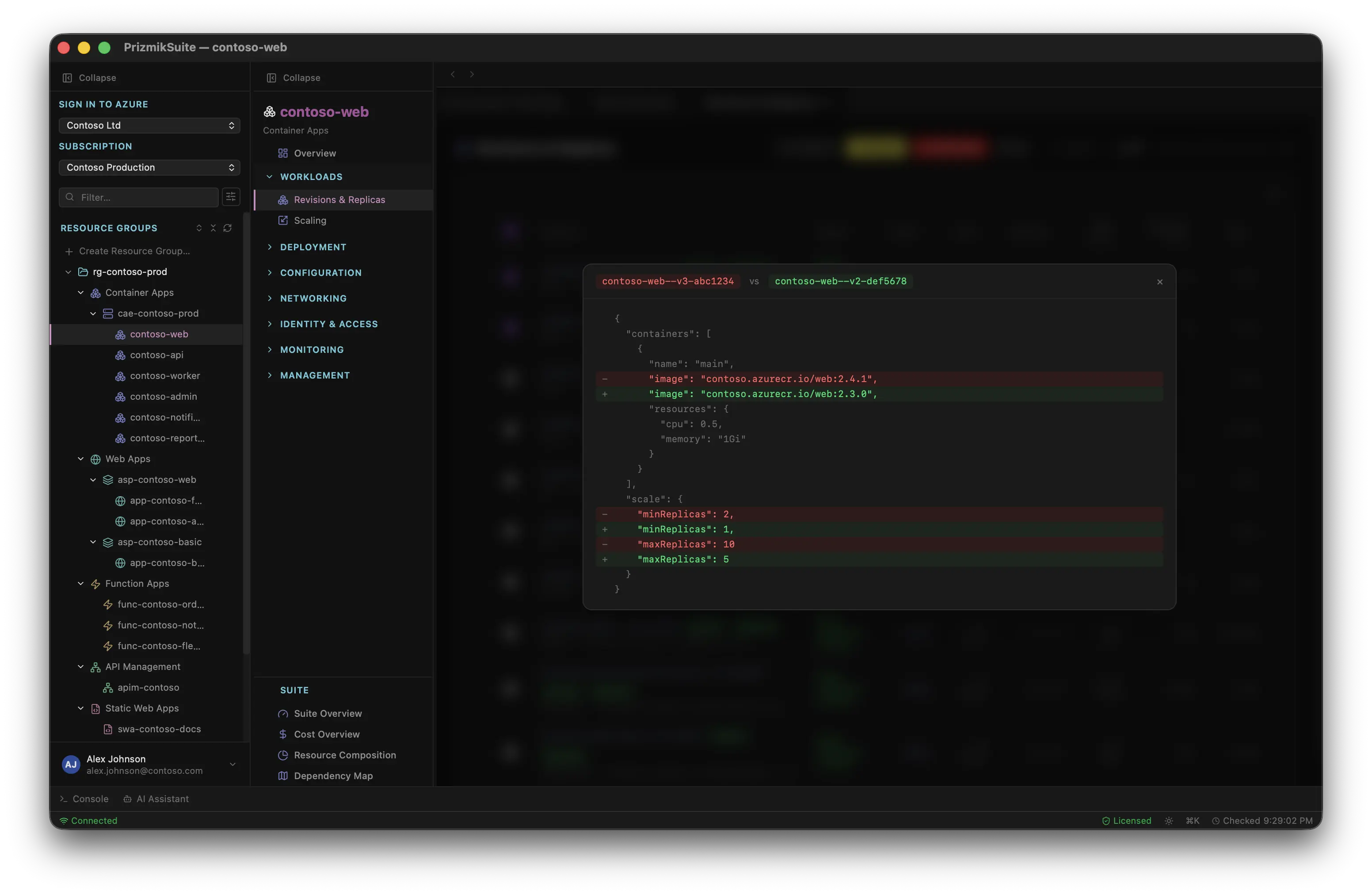
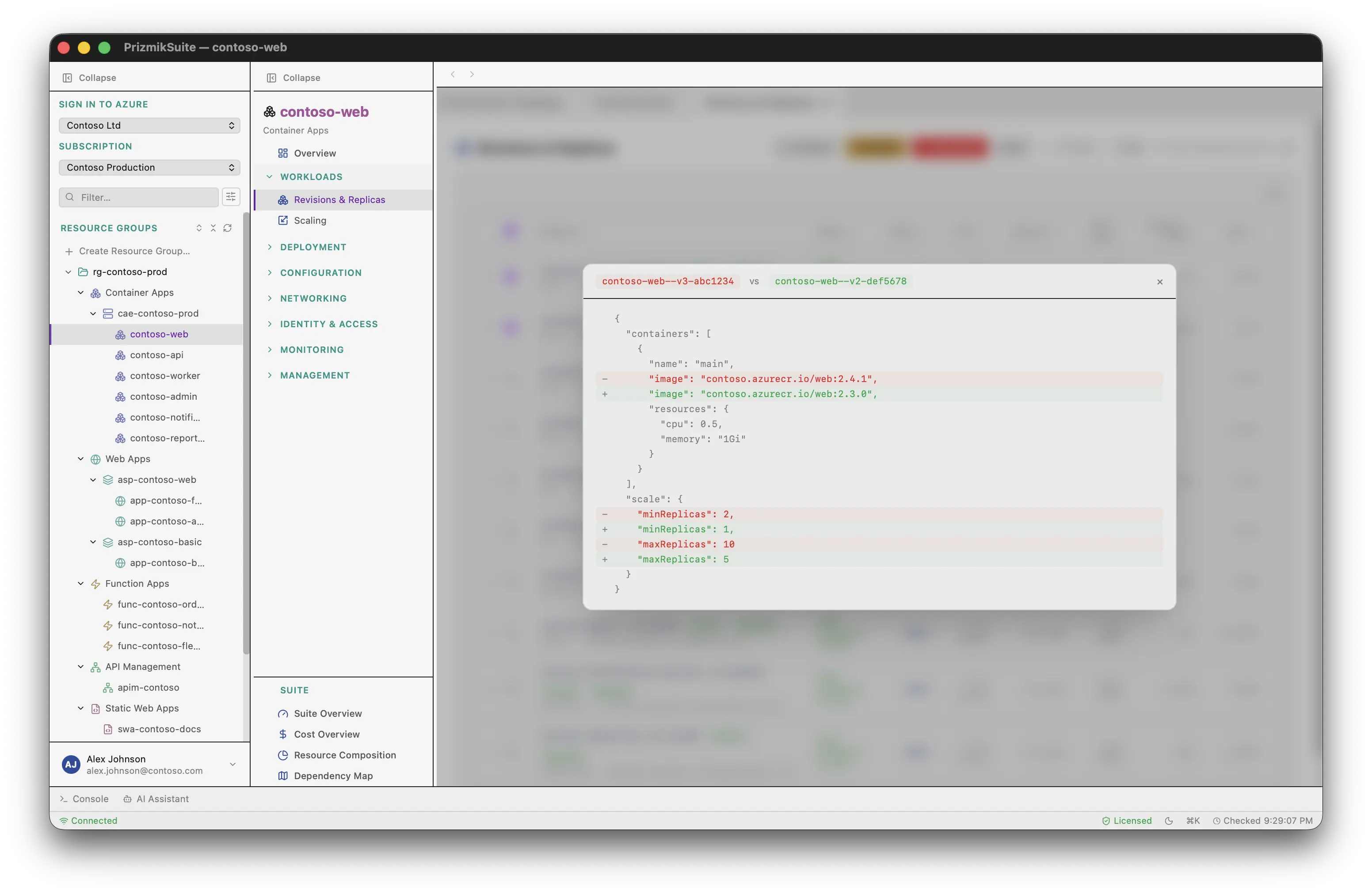
Prizmik gives you a superpower the portal doesn't have: Deployment Diff. Before you swap a staging slot into production, you can see a side-by-side comparison of exactly what's different — every app setting, every configuration value. You can prove your deployment is correct before it impacts users. This simple feature transforms deployment from an act of hope into an act of engineering.
A Workflow That Just Flows
Speed is more than just faster loading times; it's about staying in the zone. By keeping your deployments, logs, and metrics in a single, unified desktop window, Prizmik eliminates the context-switching that kills productivity.
And for your routine deployments, save the configuration as a profile. The next time, it's a one-click process. This is what a modern development workflow should feel like: fast, safe, and repeatable. It's time to get out of the portal and get back to building.