Unify. Focus. Control.
The Azure Portal
alternative you've been waiting for.
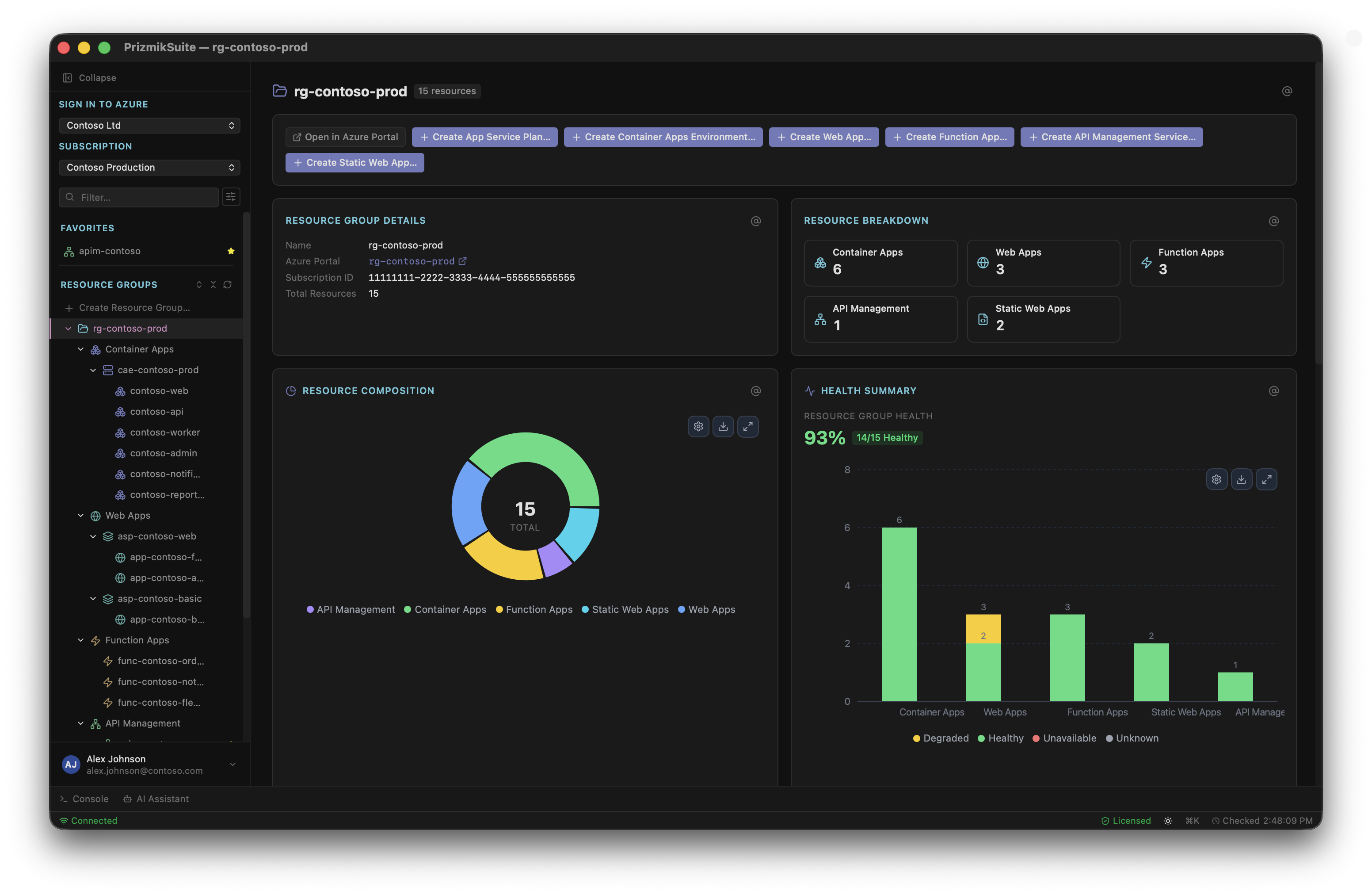
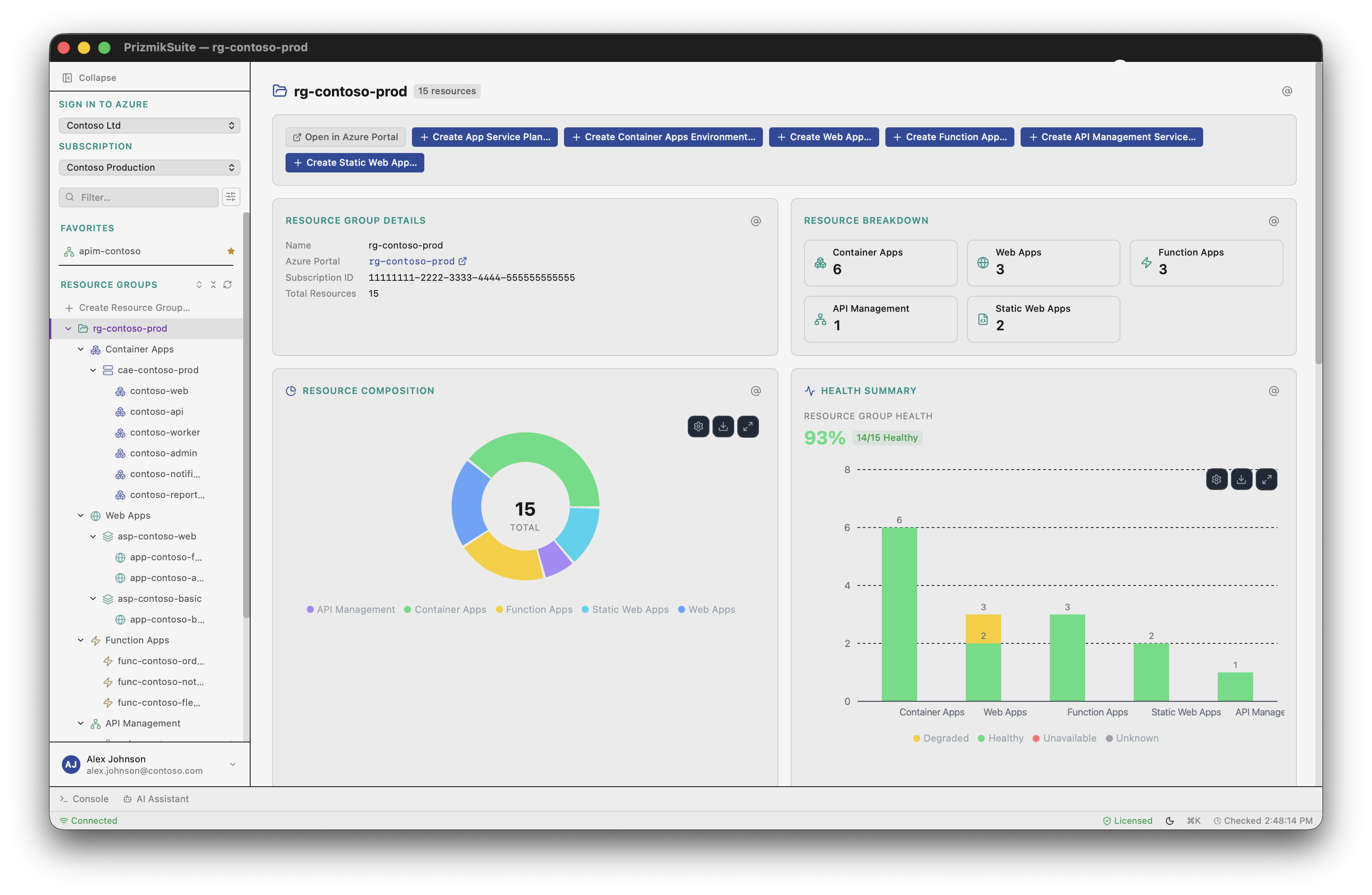
Native desktop app and management tool for Azure Container Apps, Web Apps, Functions, Static Web Apps, and API Management. Keep logs, metrics, config, and AI actions in one working context instead of opening five different Portal blades.
Free for personal, educational, and non-commercial use. See commercial pricing. No telemetry.
Unify
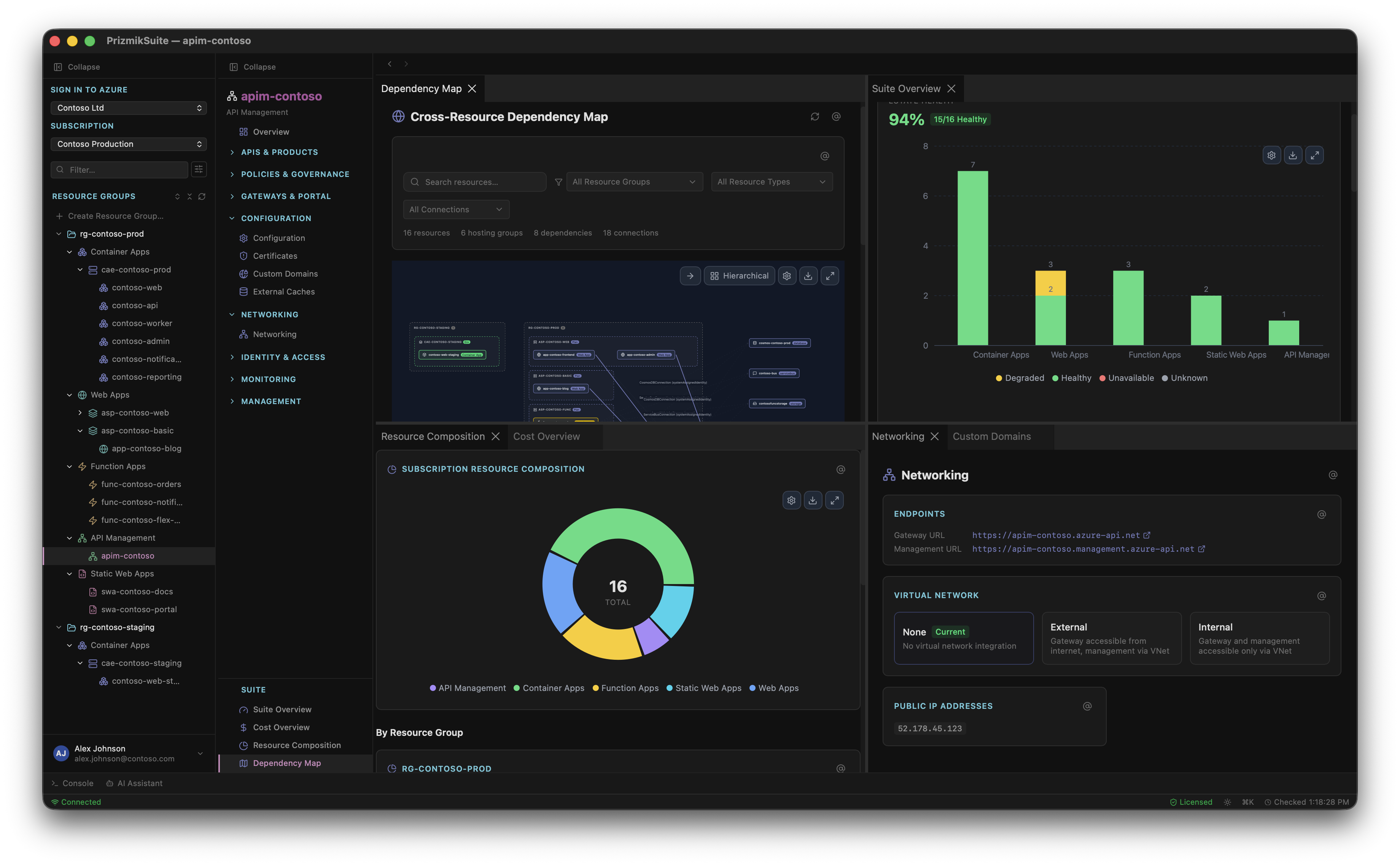
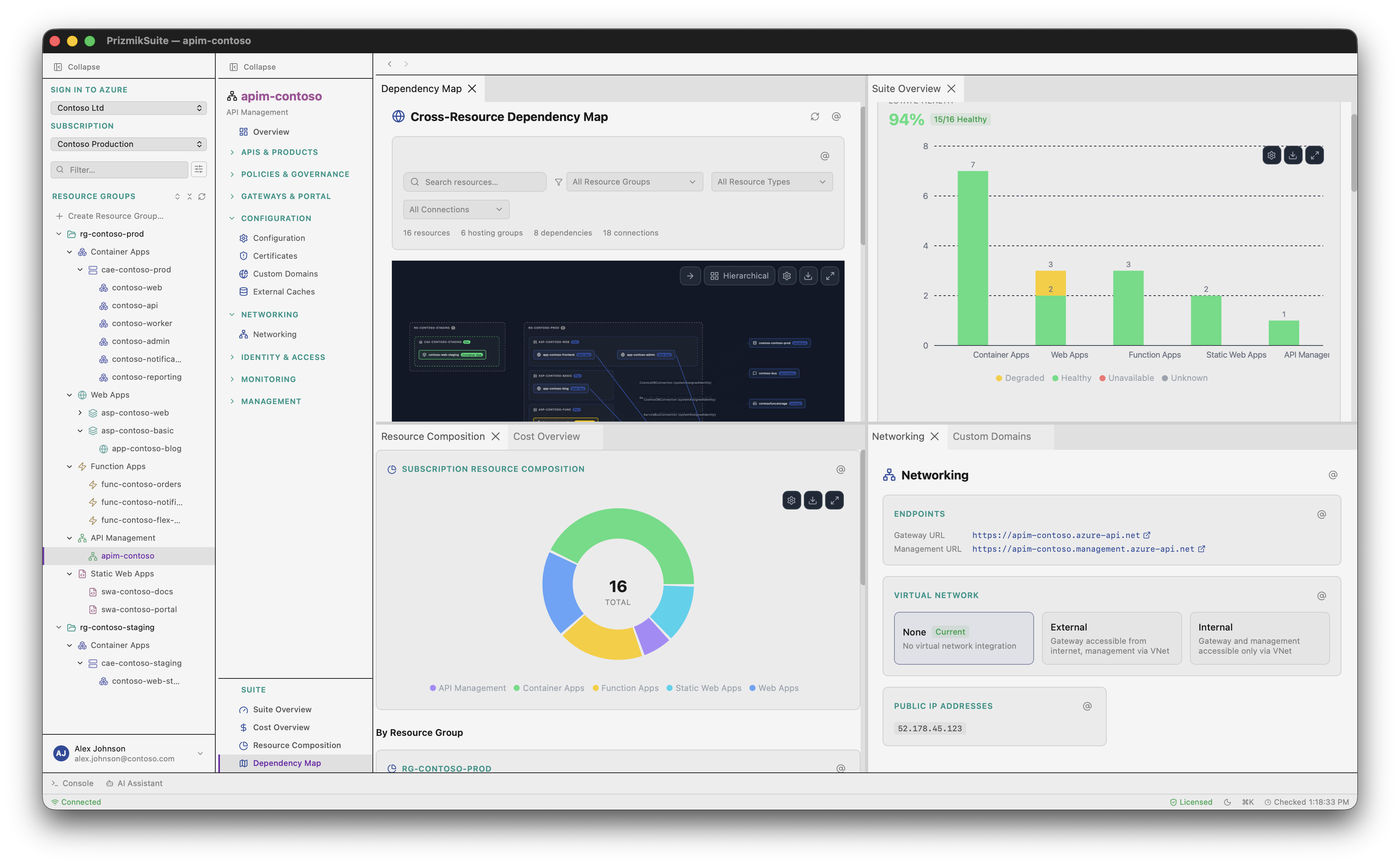
5 Azure services, 1 native app. No Portal tab-hopping. Cross-Resource Dependency Map shows how everything connects.
Focus
Keyboard-first. Split panels. Command Palette. Native UI — no browser overhead. Zero distractions.
Control
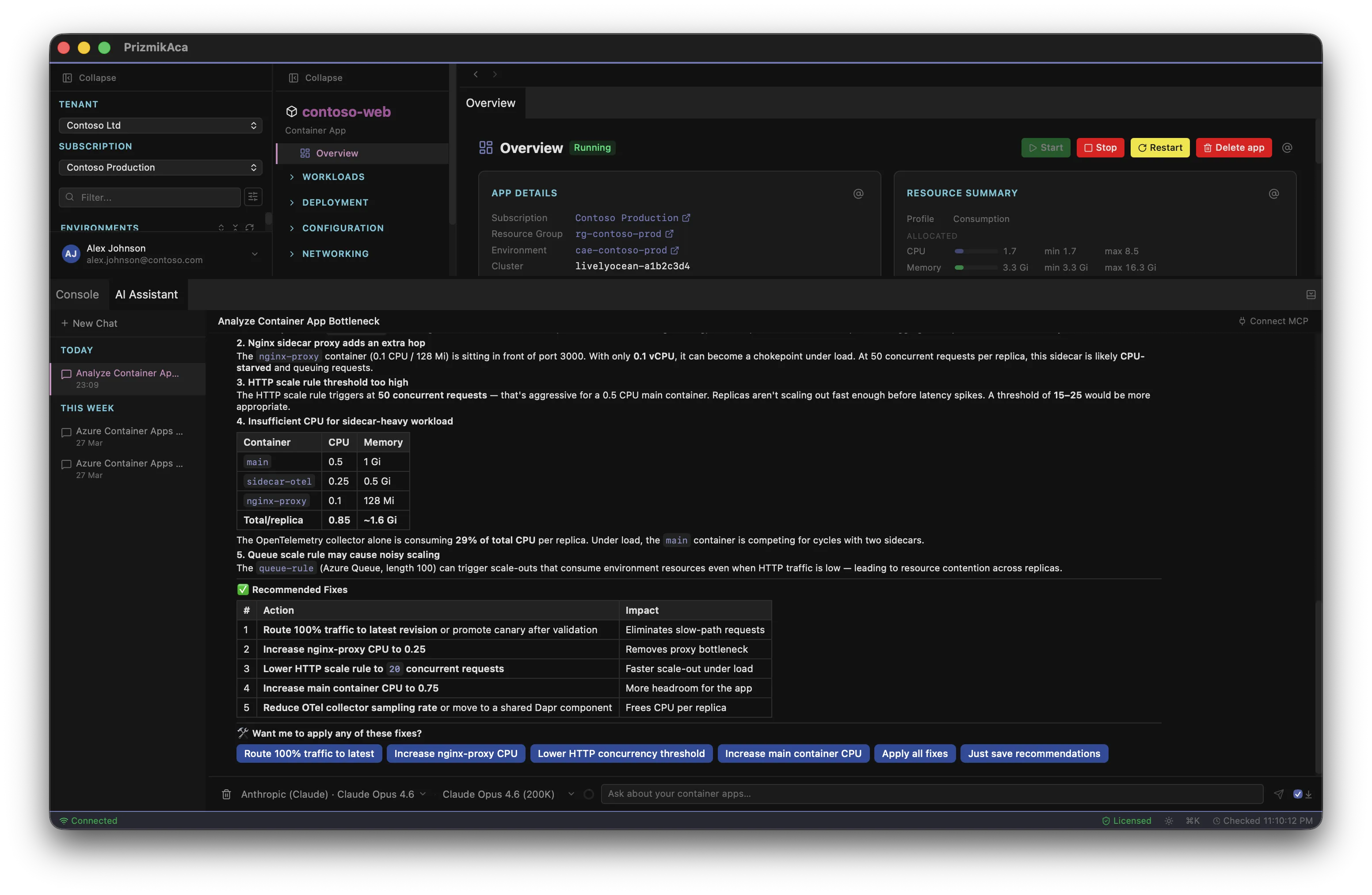
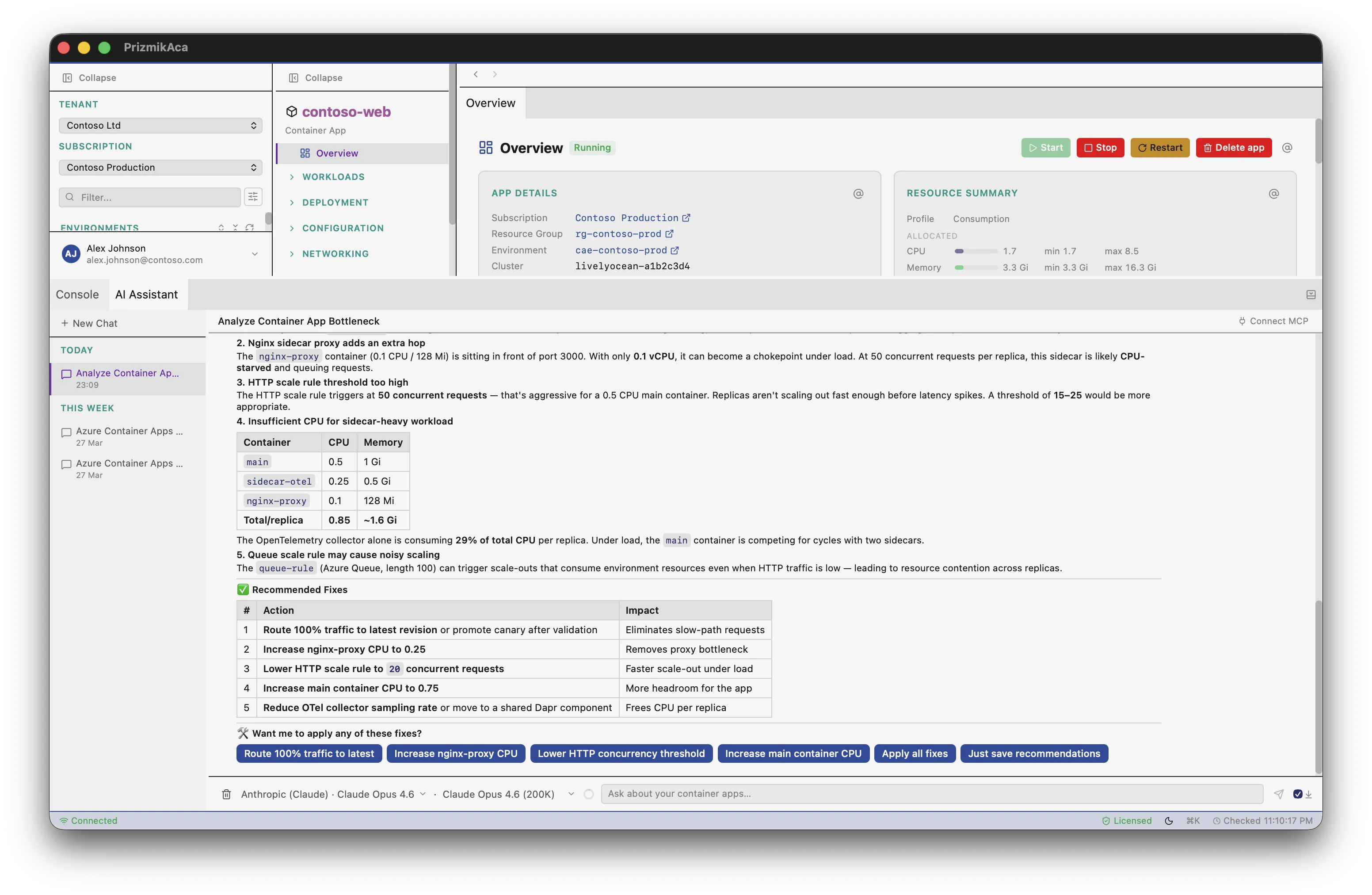
Full CRUD management. AI with 60+ executable tools. Not a read-only dashboard.
The Portal is a remarkable piece of engineering. Free, reliable, a single interface for hundreds of Azure services. That's not the problem.
It wasn't built for the person debugging a production incident. It was built to be comprehensive. Those are two very different things.
When something breaks, you don't need 400 services in a sidebar. You need logs next to metrics next to the deployment that caused it — in the same view, right now. The Portal makes you earn each one through a new blade, a new load, a new context switch. By the time you've assembled the picture, you've lost the thread.
Full CRUD. Not read-only.
Every Prizmik product gives you complete control over your Azure resources — not just visibility. Deploy artifacts, swap deployment slots, edit policies, manage certificates — all without a browser.
Features you won't find
in the Azure Portal
AI that acts, not just suggests
60+ tools that execute actions with your confirmation. Inject and run KQL queries. AI Prompt Buttons for contextual analysis.
Side-by-side configuration diffs
Compare deployment slots, container revisions, or API policies side-by-side with a native code diff viewer.
Split-panel workspace
Pin logs next to metrics next to config. Arrange any combination of panels side by side. The Portal shows one blade at a time.
Agentless process detection
See what's running inside your containers (PM2, Gunicorn) with CPU and memory per-process—without SSH or sidecars.
Cross-Resource Dependency Map
Visualize connections between your services that the Portal can't show you. (Suite only)
Compute right-sizing advisor
Stop over-provisioning. Analyze historical CPU and memory metrics to detect unused apps and right-size containers to actual demand.
Function dependency graph
See all your functions, their triggers, and binding connections in one interactive diagram. The Portal only shows one function's integration at a time.
Reusable deployment profiles
Save deployment configurations and redeploy with one click. Compare slot settings with a visual diff before swapping.
Visual routing rules editor
Add, reorder, and configure SWA route rules visually. No more hand-editing staticwebapp.config.json.
Common tasks, radically simplified
KQL on the resource panel
Write and run KQL queries right next to your resource — no navigating to a separate Log Analytics workspace.
Shell into containers & web apps
Full interactive terminal — pick a replica and connect. No Kudu console, no portal blade.
Command palette
Fuzzy search across resources, panels, and actions. One keystroke to anything.
Visual traffic splitting
Drag sliders to set revision traffic weights. No percentage math, no CLI flags.
Browse ACR, pick, deploy
Integrated container registry browser. Select an image and deploy to your app without switching to the ACR blade.
Inline trigger & binding editor
Edit function routes, schedules, and connections in a table — then save. No JSON file editing.
AI that takes action.
Azure Copilot suggests CLI commands. Prizmik AI executes operations directly — with your confirmation.
| Feature | Azure Copilot | Prizmik AI |
|---|---|---|
| Providers | Microsoft only | 13 providers |
| Execute actions | No — suggests CLI | 60+ tools, batch confirm |
| KQL queries | Cannot run KQL | Injects & runs KQL |
| MCP server | No | Yes — AI-to-AI collaboration from your IDE |
| One-click analysis | No | AI Prompt Buttons |
Diagrams beyond
the Azure Portal
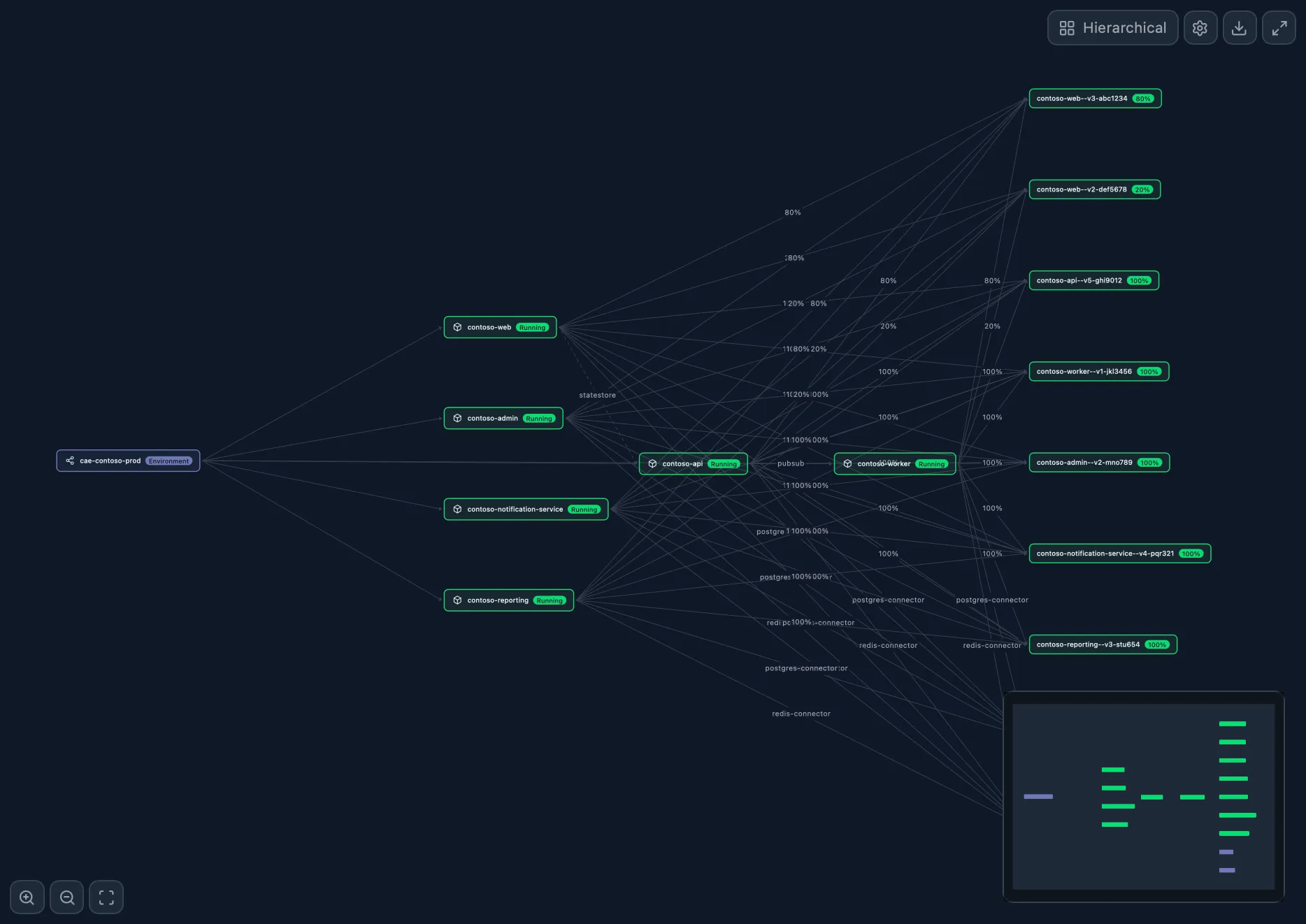
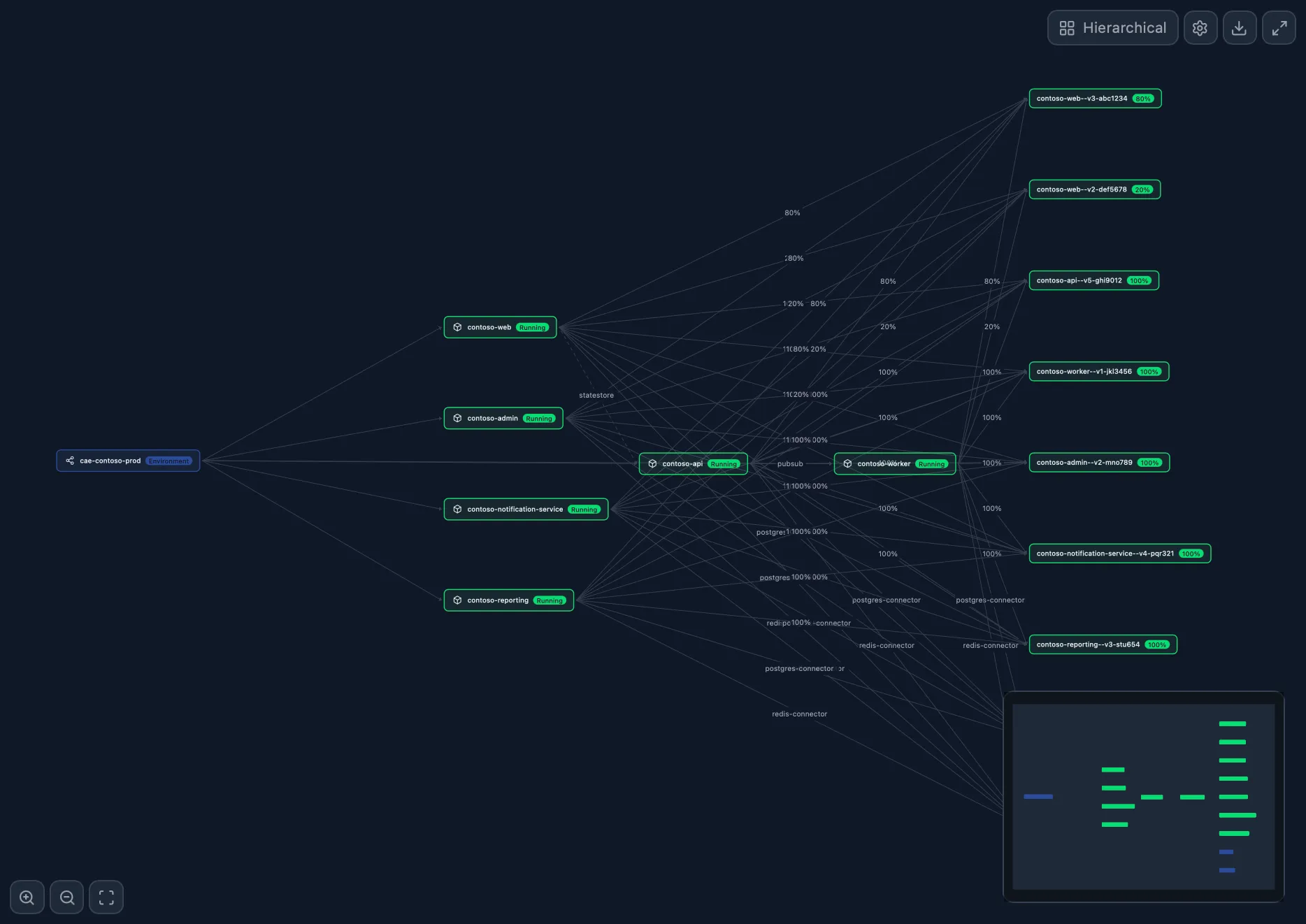
Environment Topology
AcaNode-graph of apps, revisions, and Dapr edges
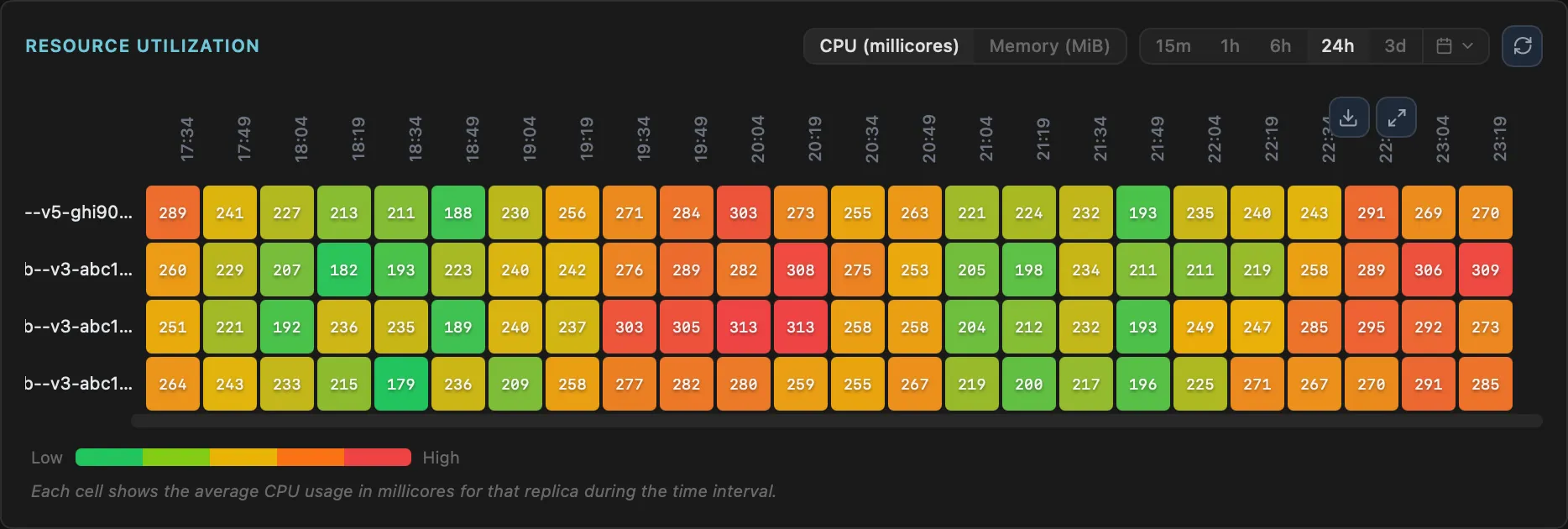
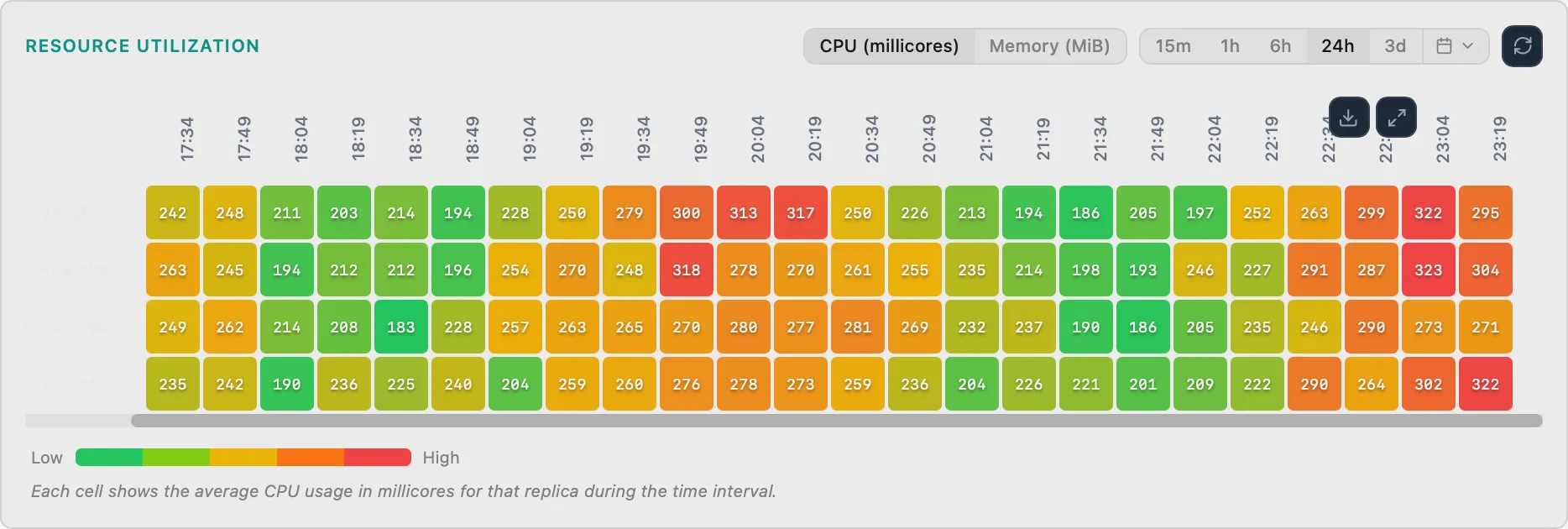
Replica Heatmap
AcaCPU/memory heatmap per replica
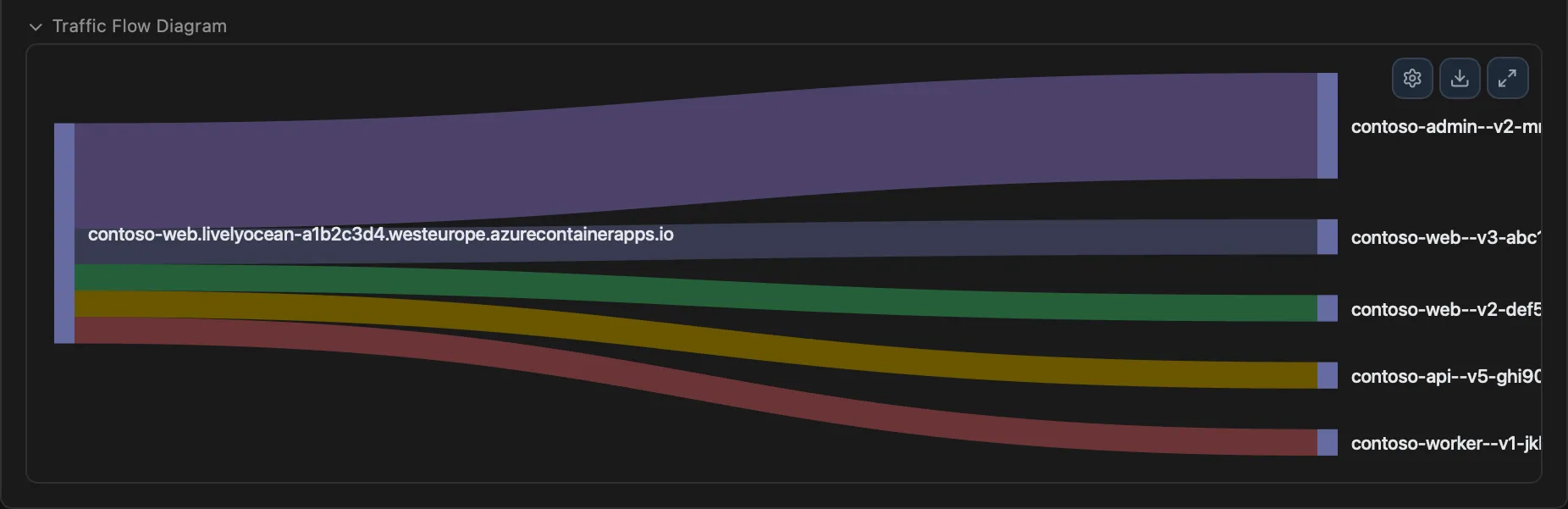
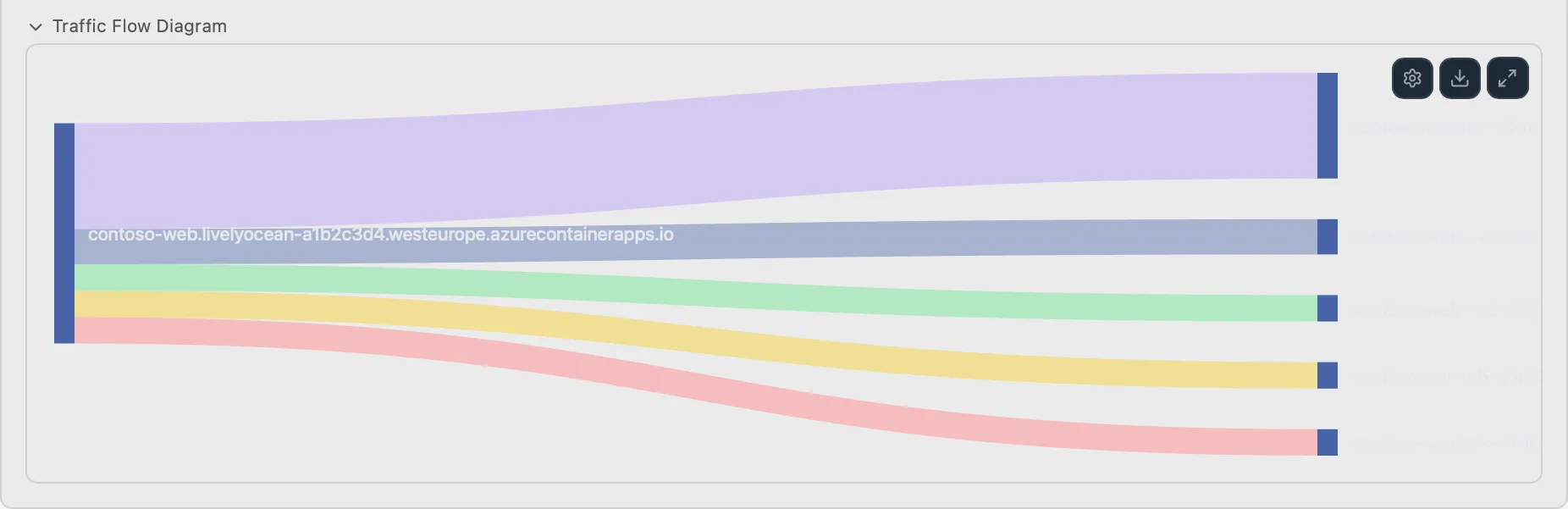
Traffic Split Sankey
AcaTraffic flow between revisions
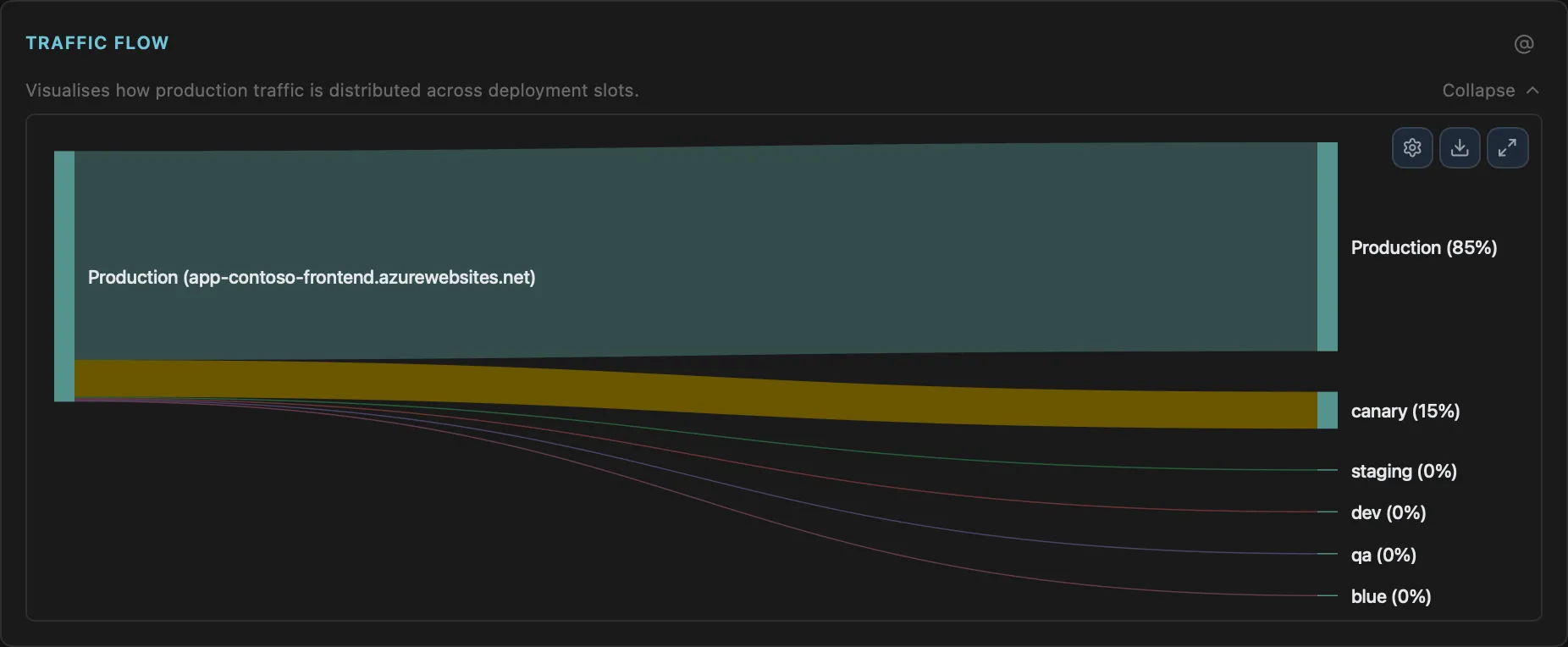
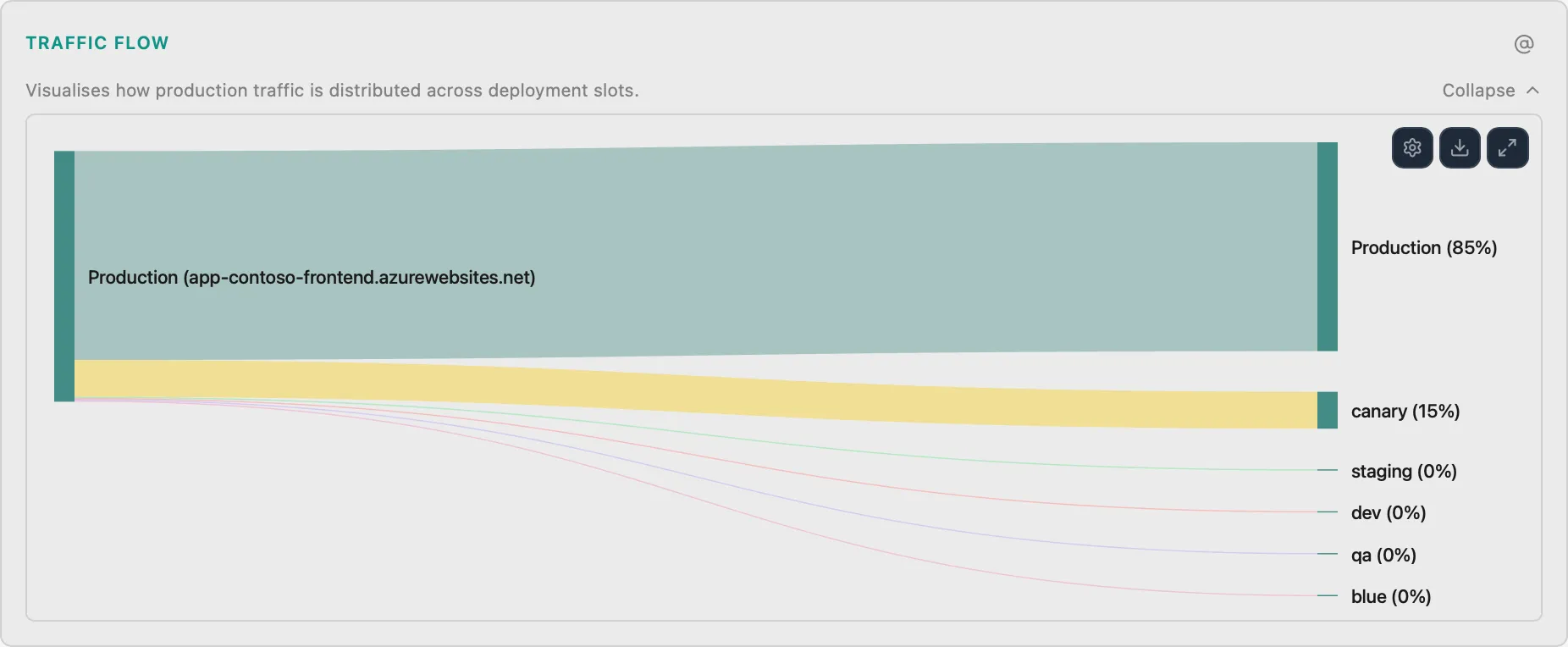
Deployment Slot Traffic Flow
WebVisualize traffic routing between slots
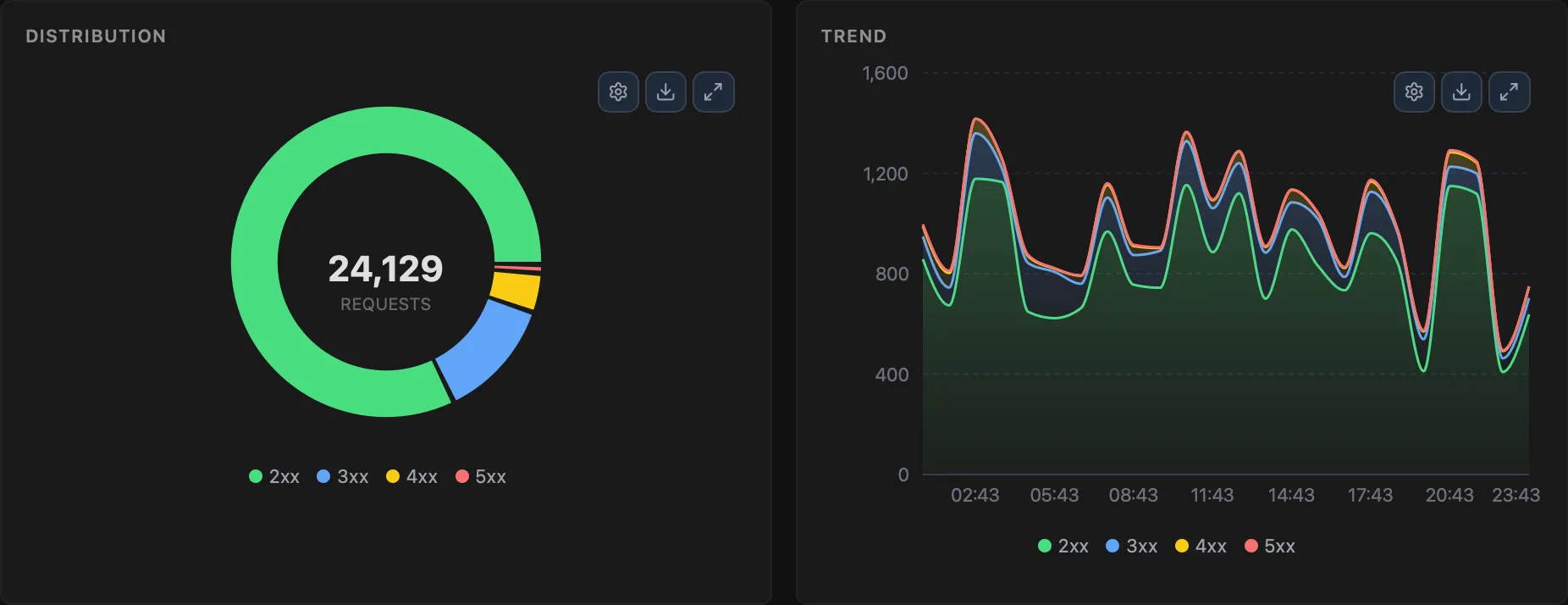
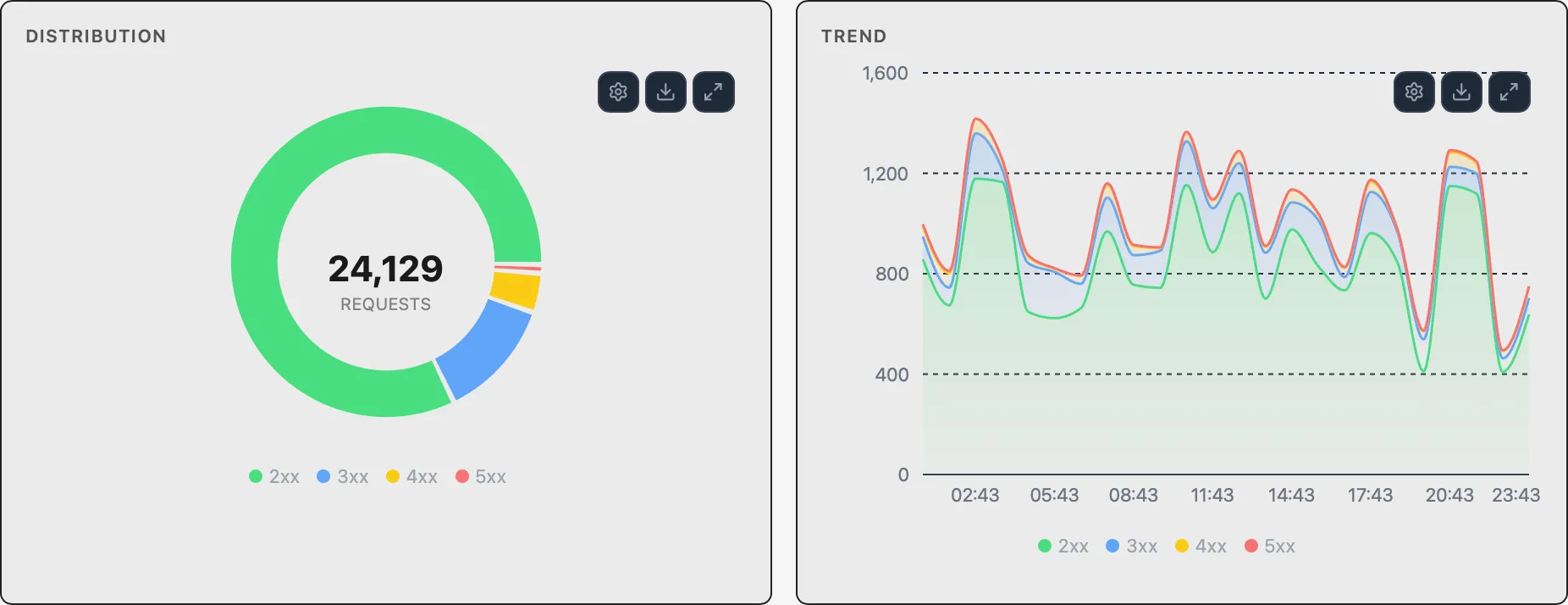
HTTP Status Distribution
WebDonut chart and stacked area trend of HTTP status codes
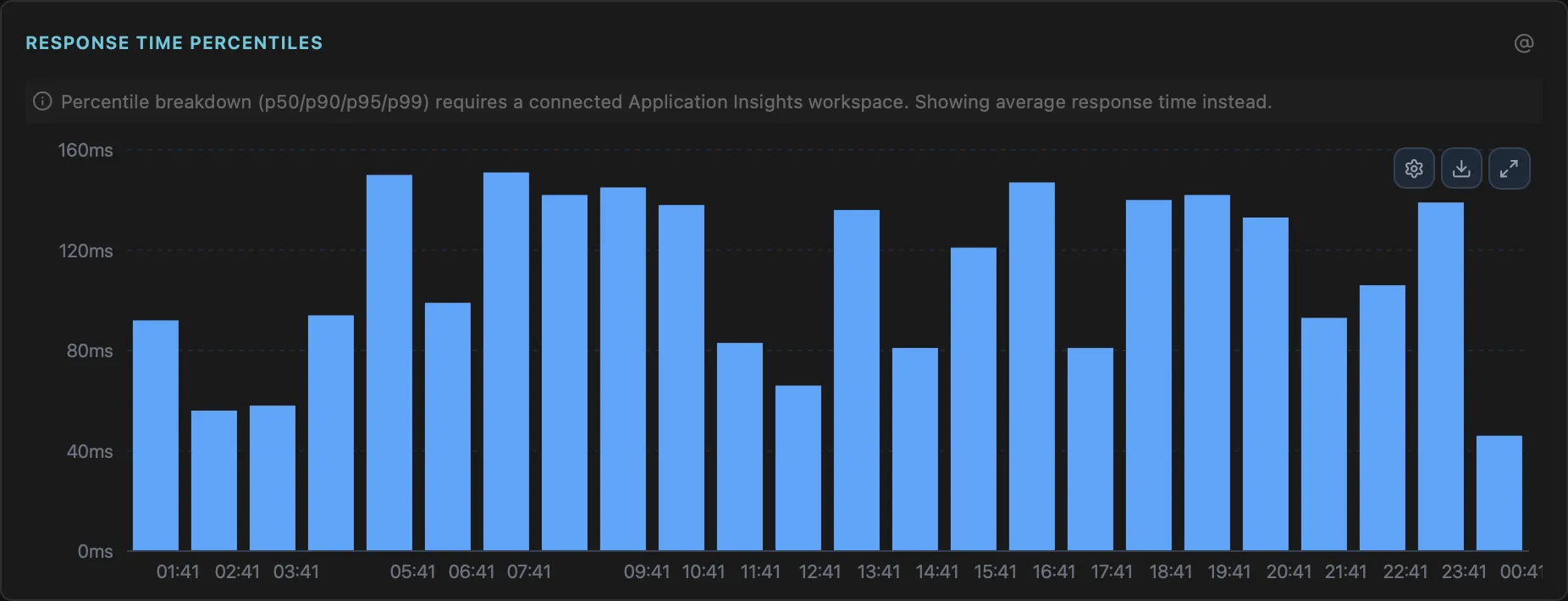
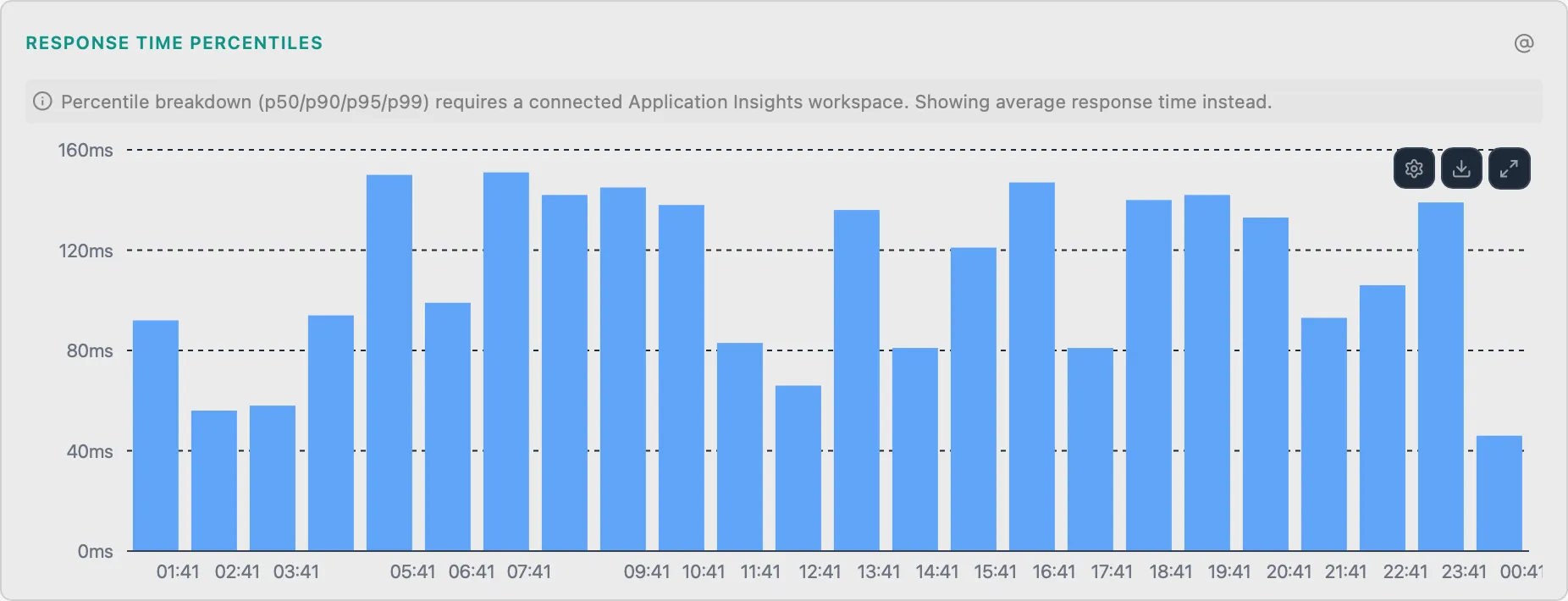
Response Time Percentiles
WebP50/P90/P95/P99 latency stacked bar chart
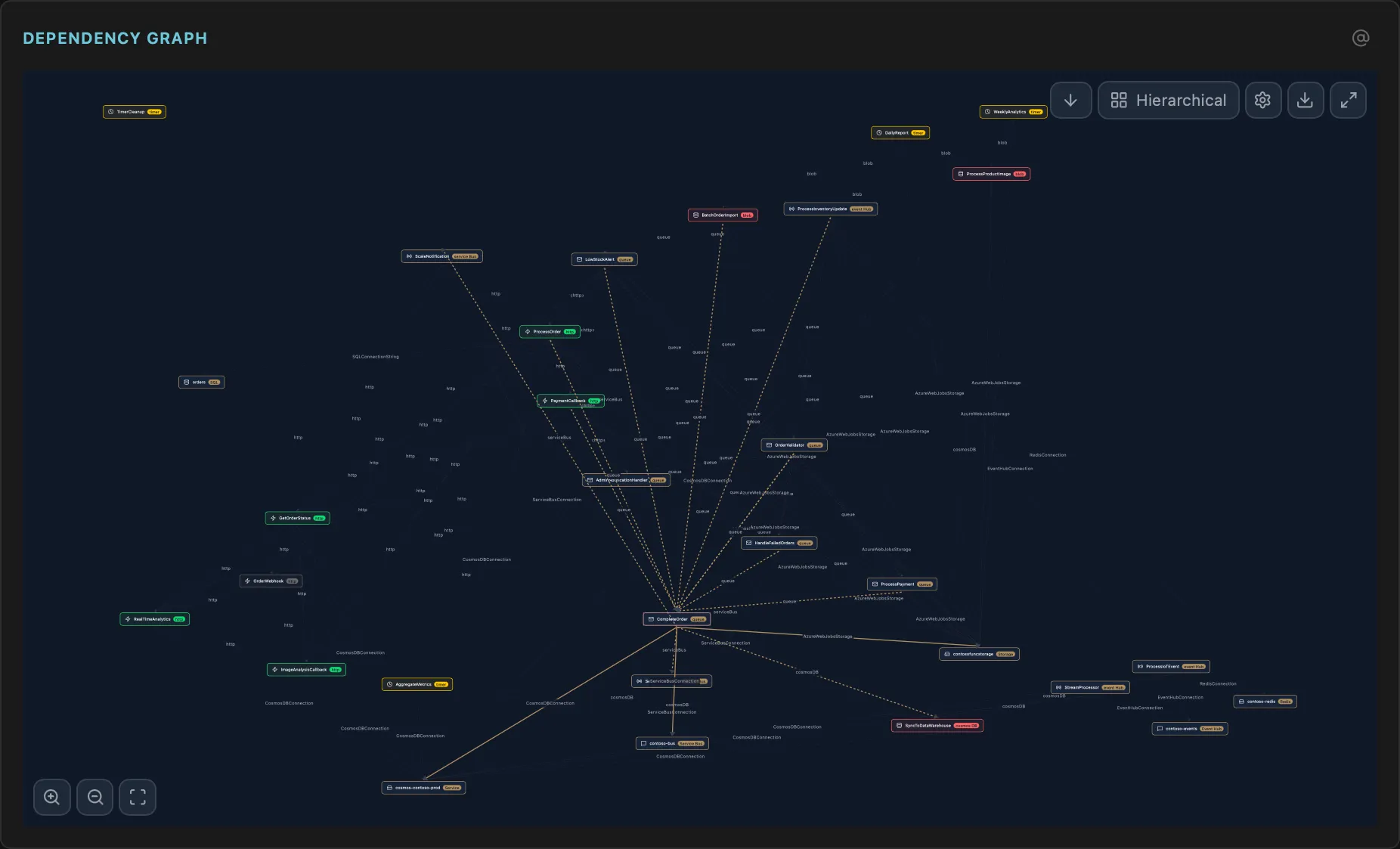
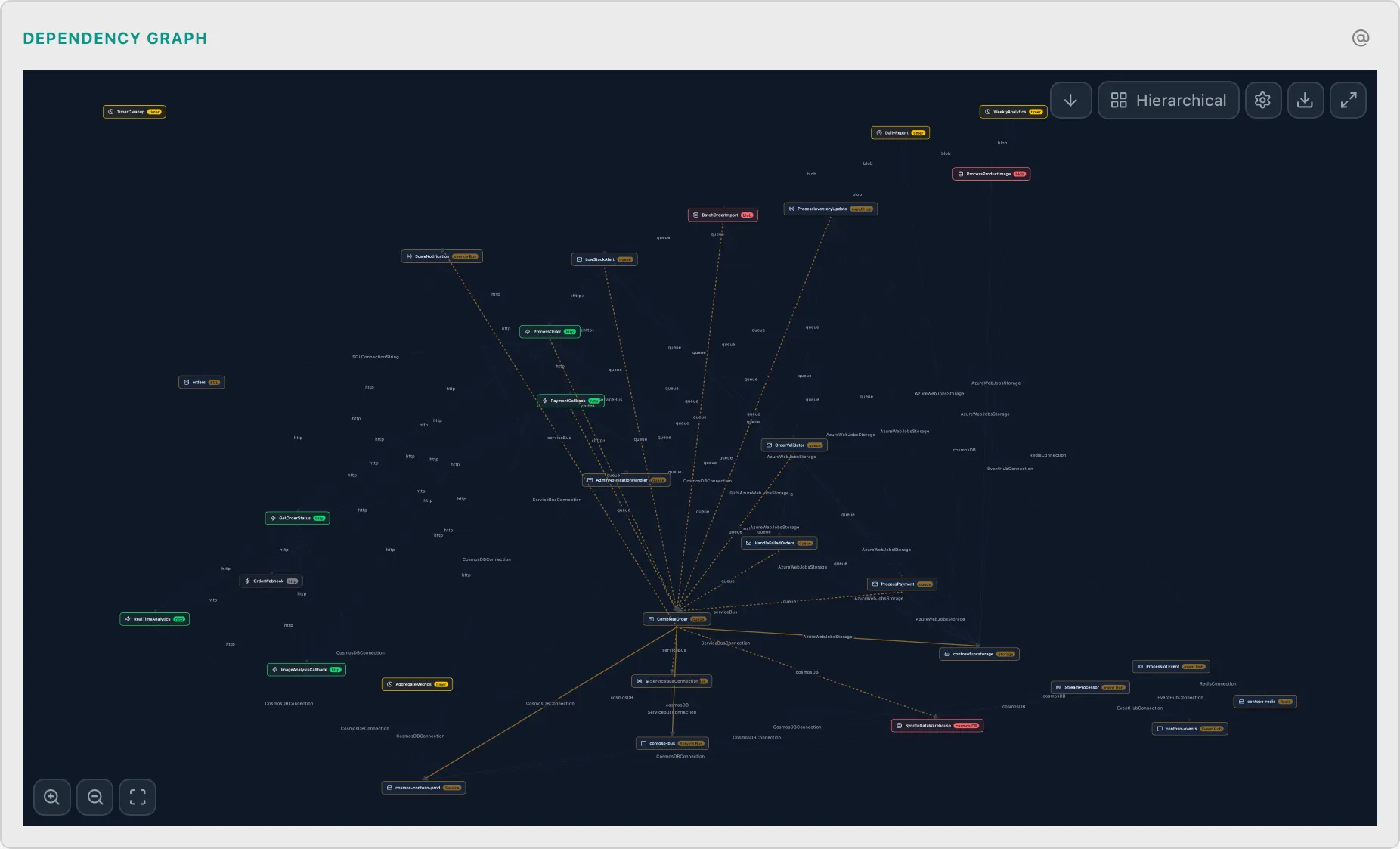
Function Dependency Graph
FuncFunctions → Triggers → Bindings visualization
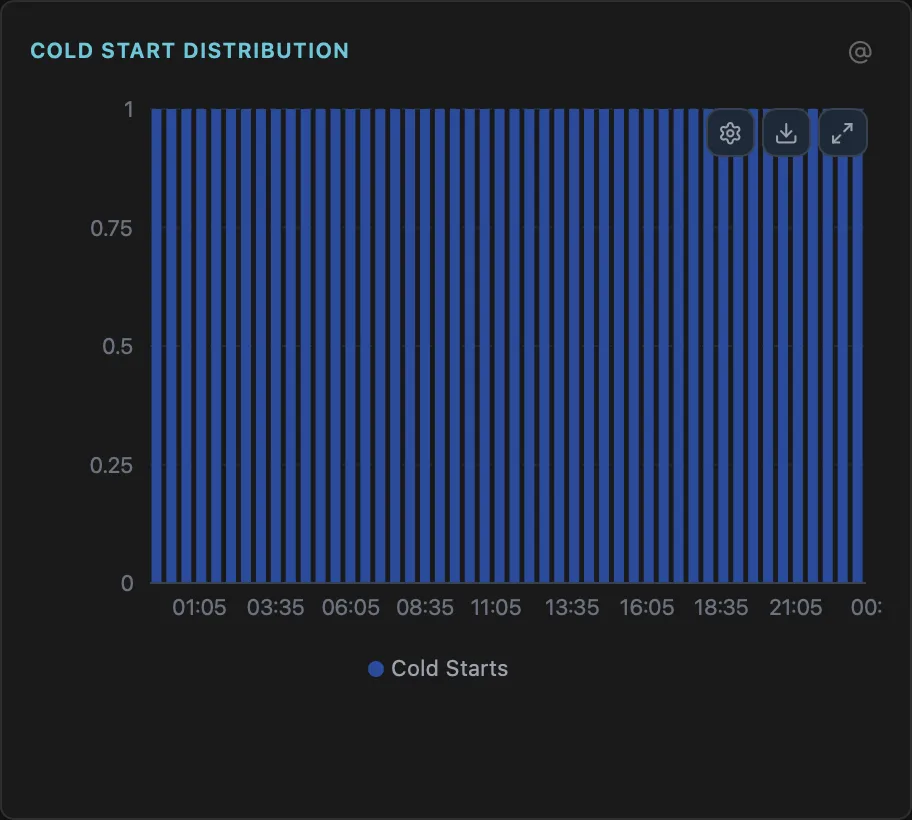
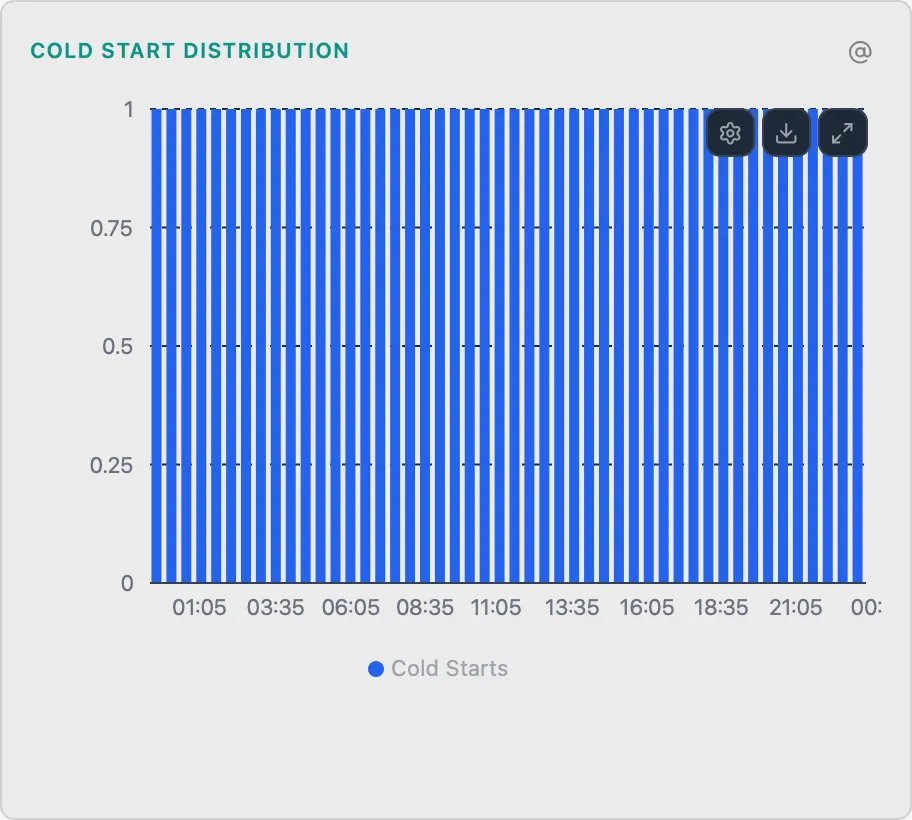
Cold Start Distribution
FuncStacked bar chart of cold start latencies over time
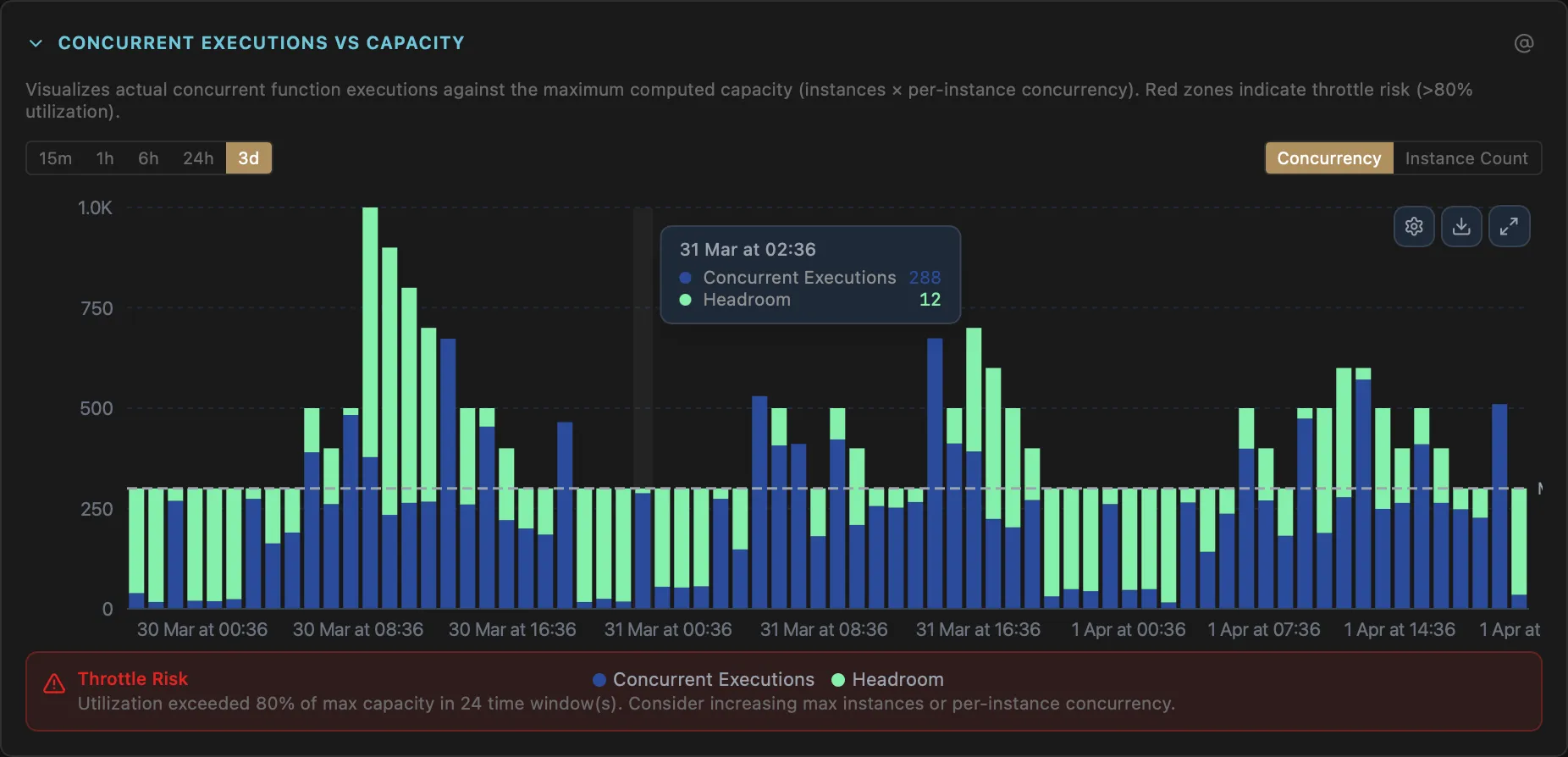
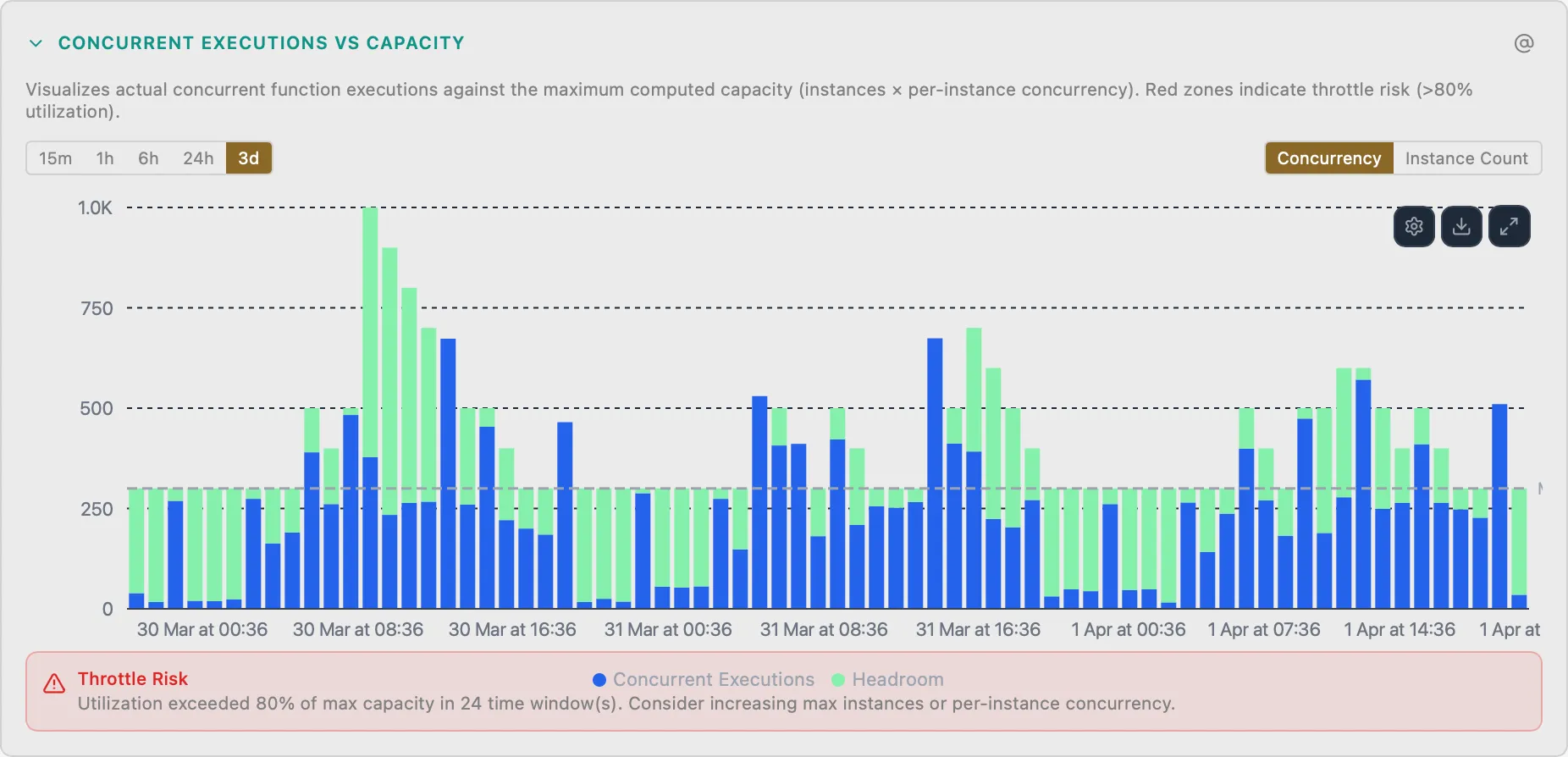
Flex Consumption Concurrency
FuncConcurrent executions vs capacity stacked bar chart
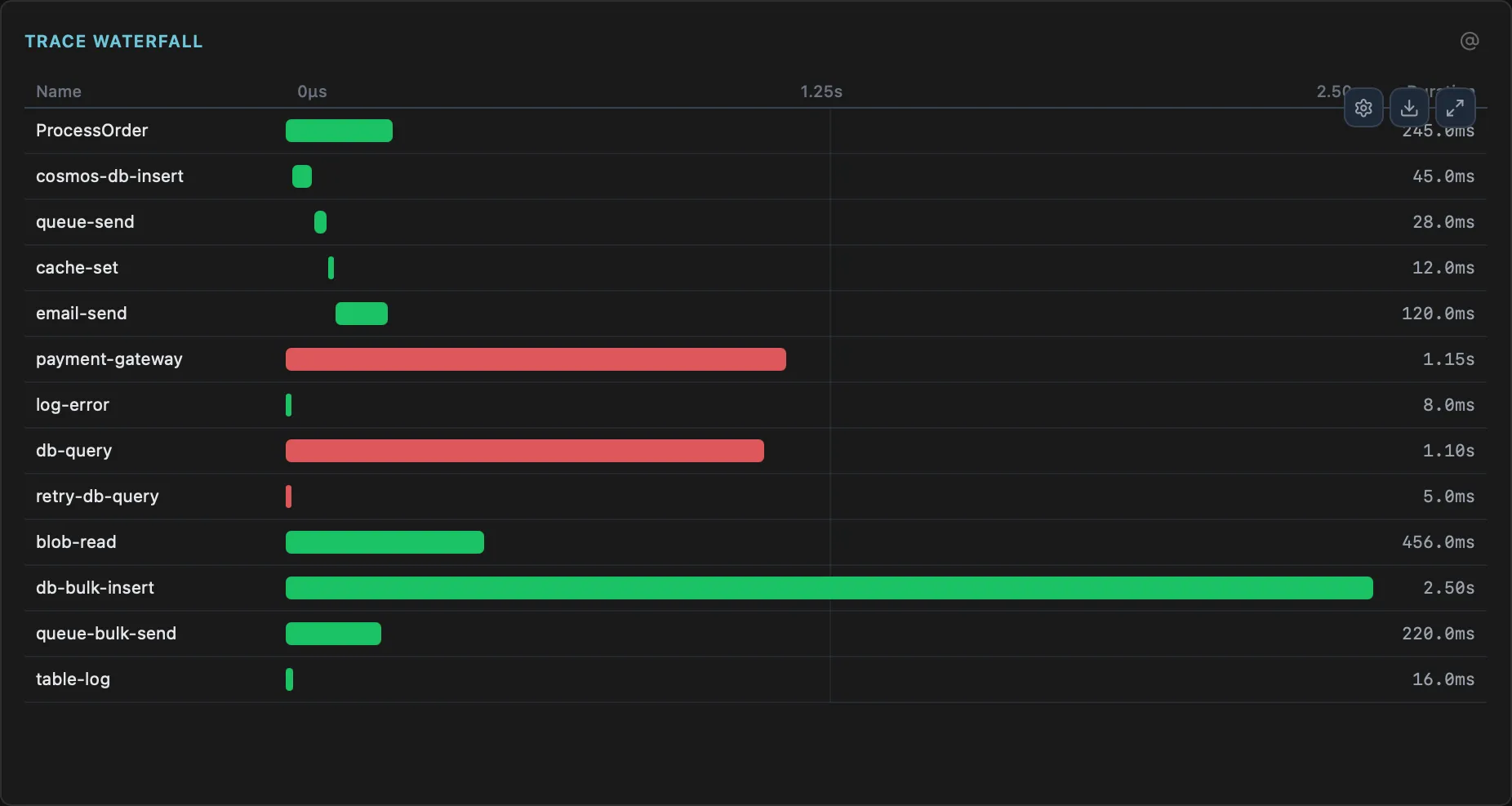
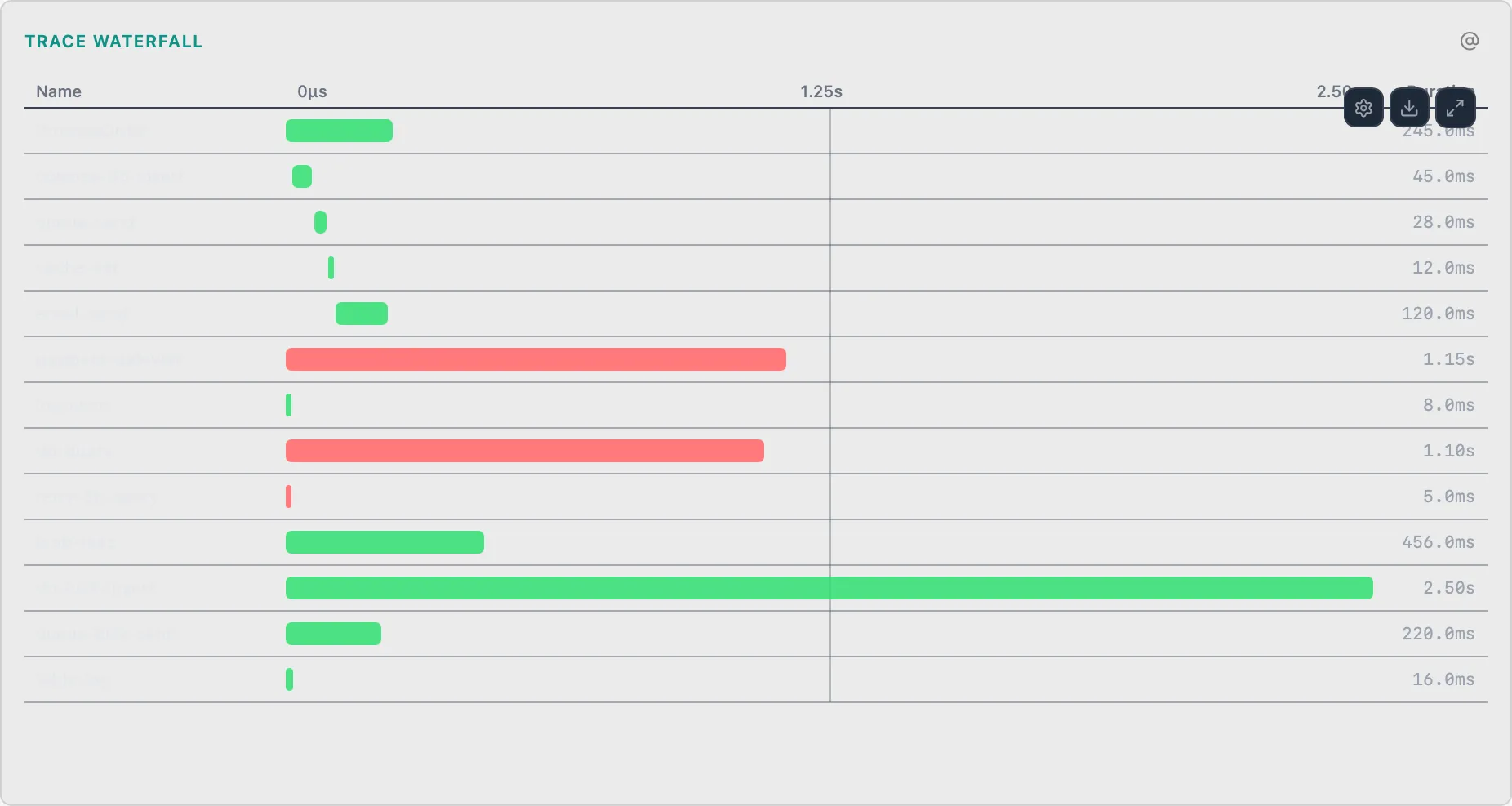
Distributed Trace Waterfall
FuncEnd-to-end request trace with function chains and dependency timing
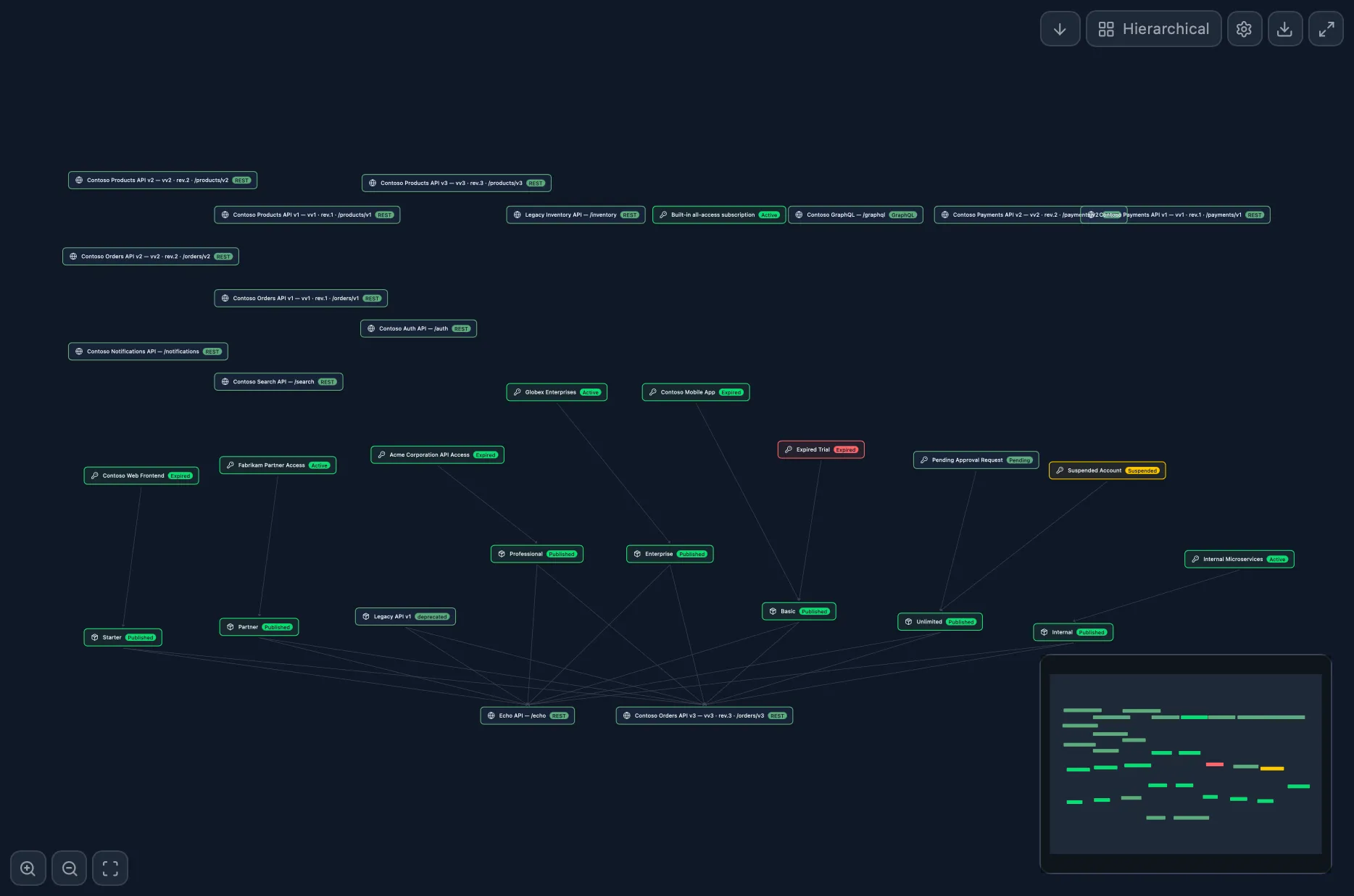
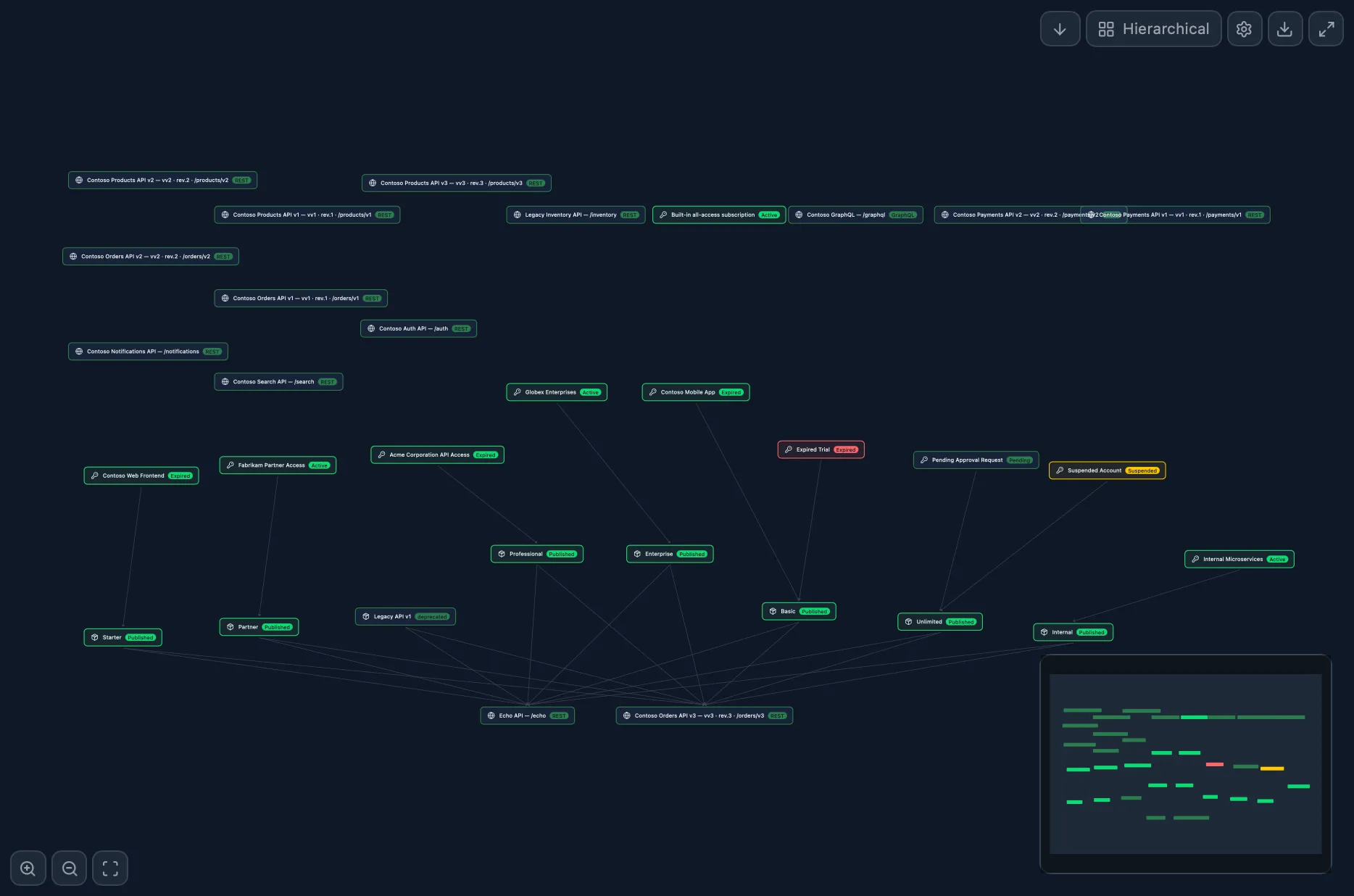
API→Product→Subscription Graph
ApiRelationship topology across entities
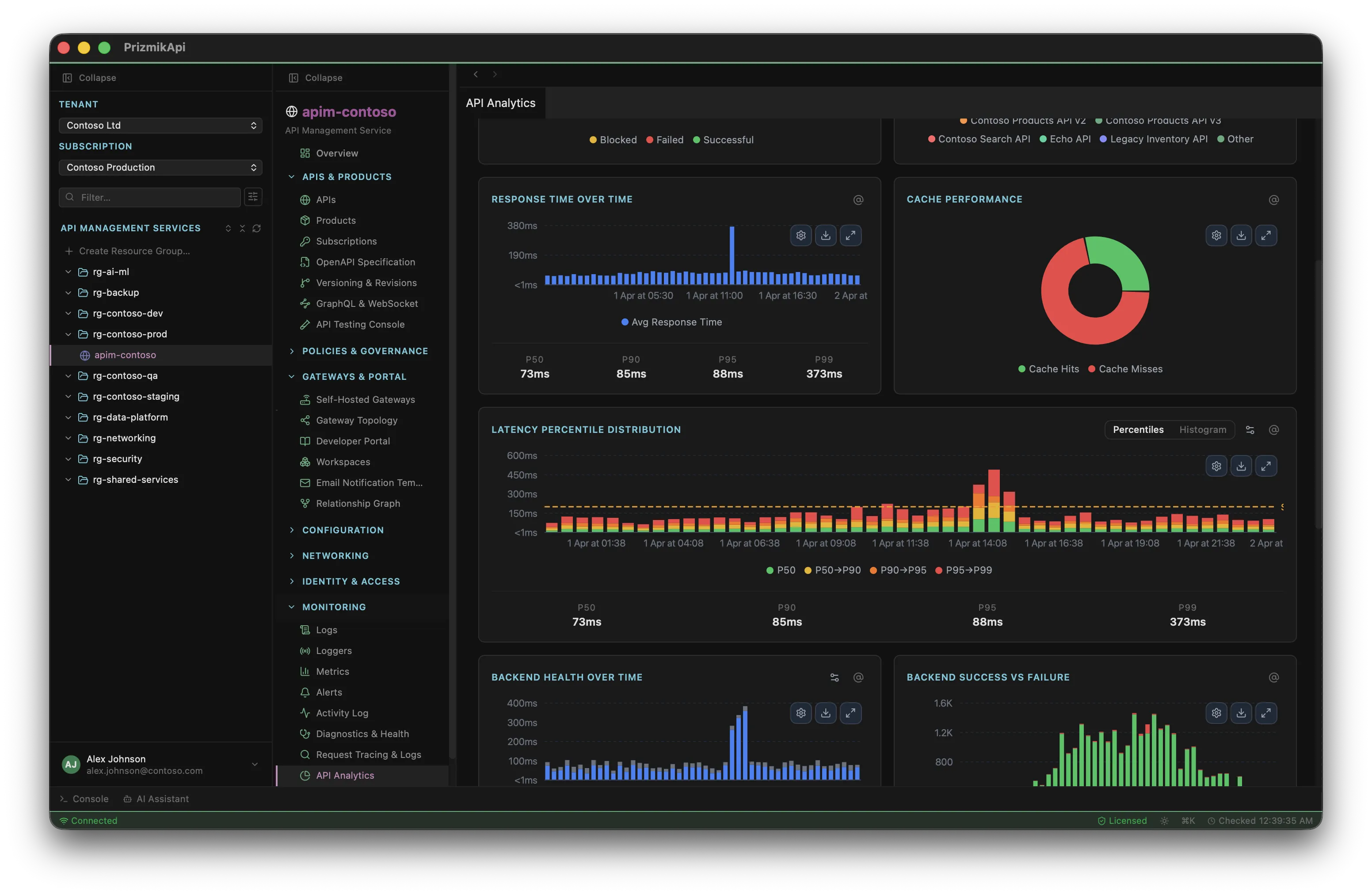
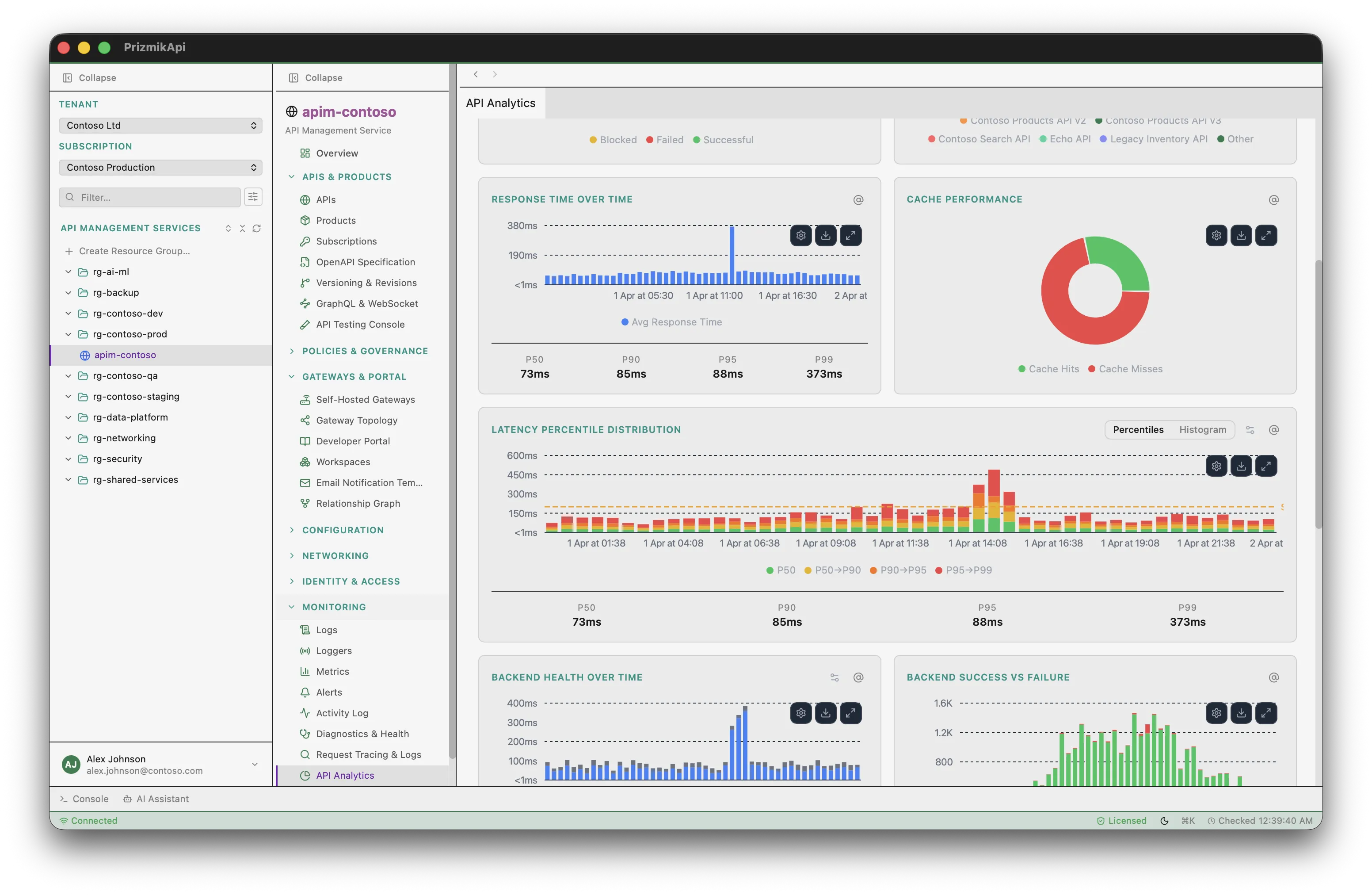
API Analytics Dashboard
ApiStacked bar, donut, and percentile charts
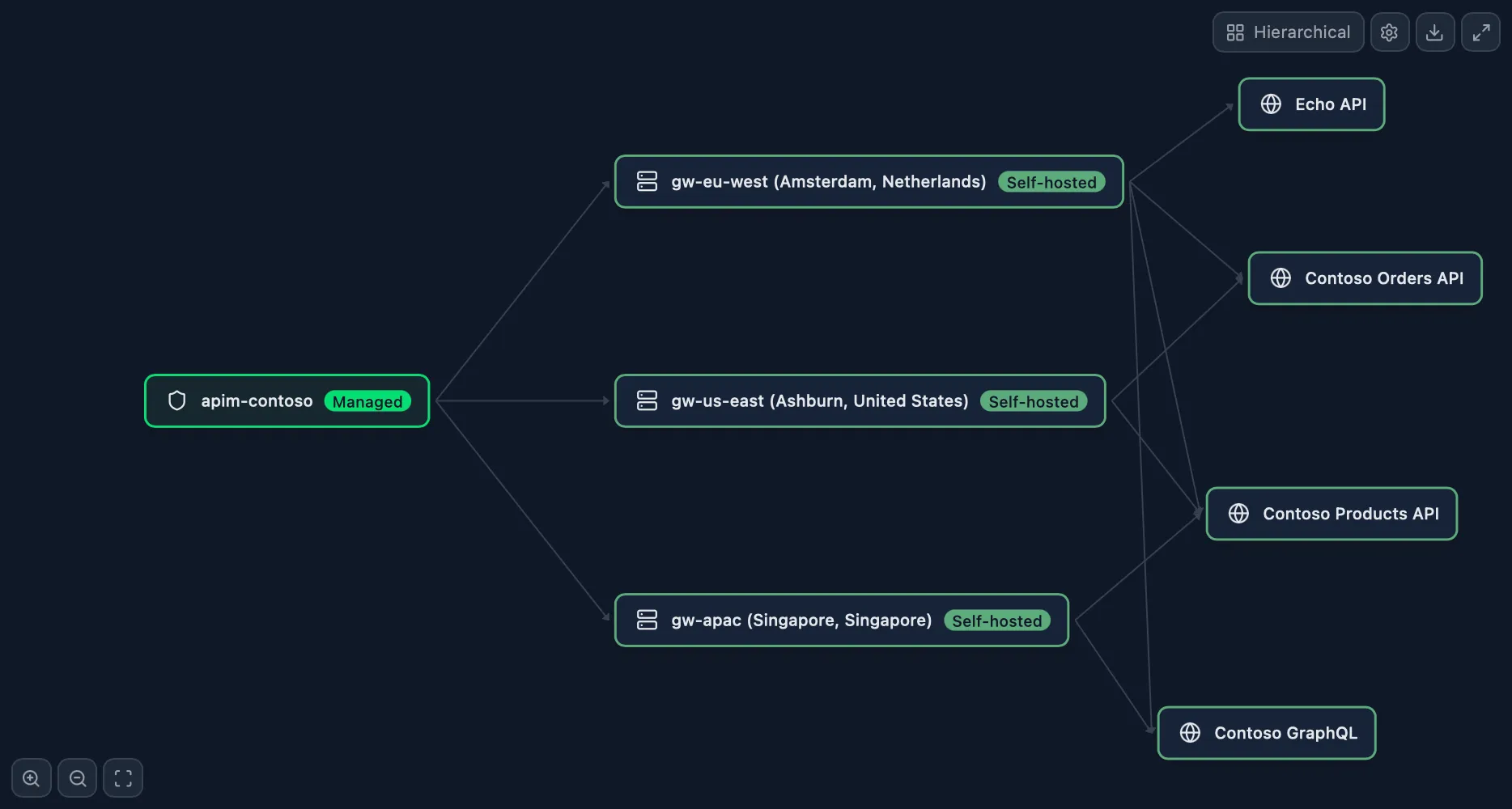
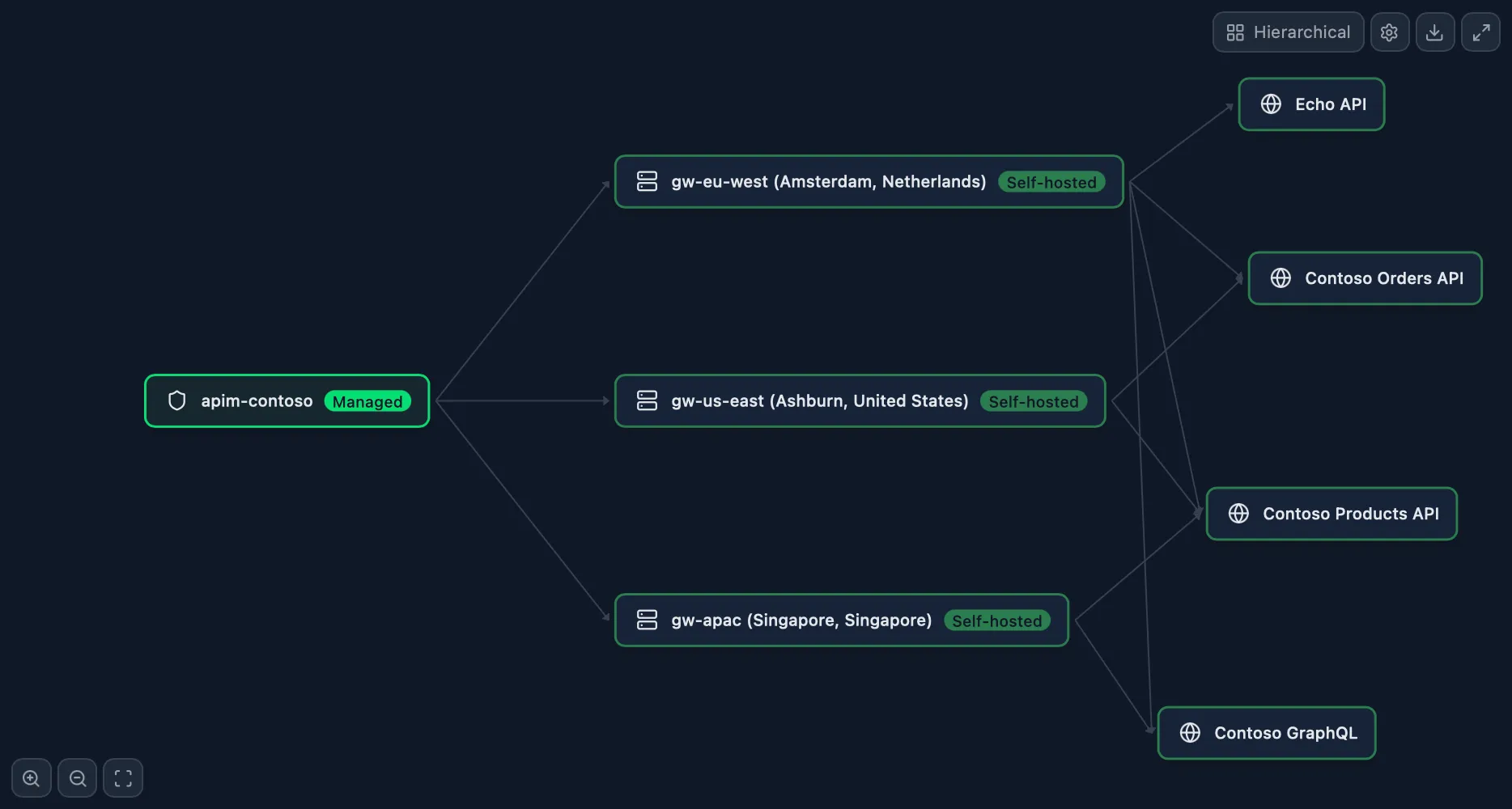
Gateway Topology
ApiSelf-hosted gateways mapped to locations
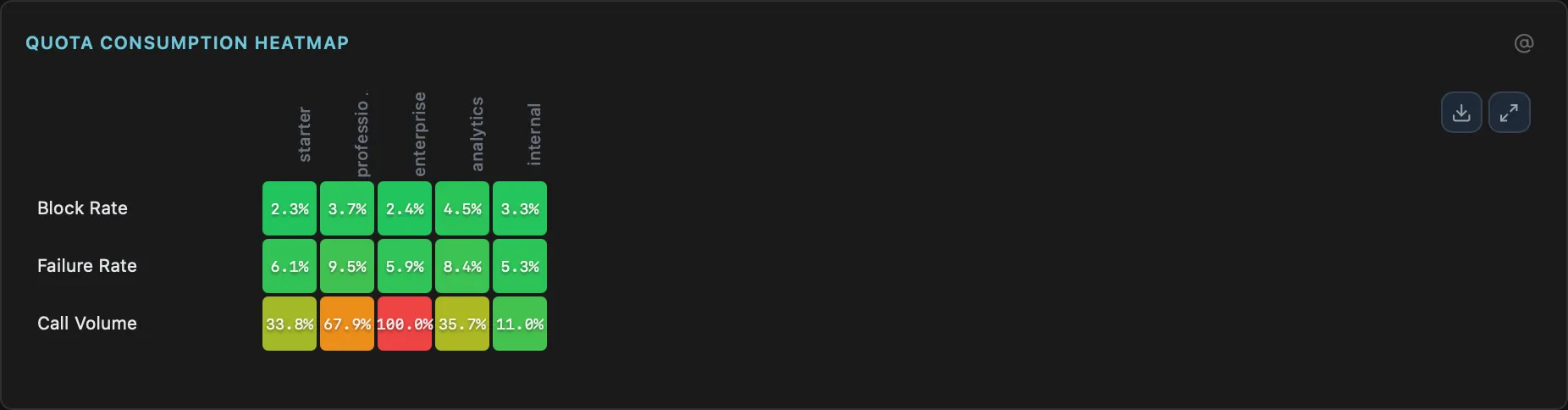
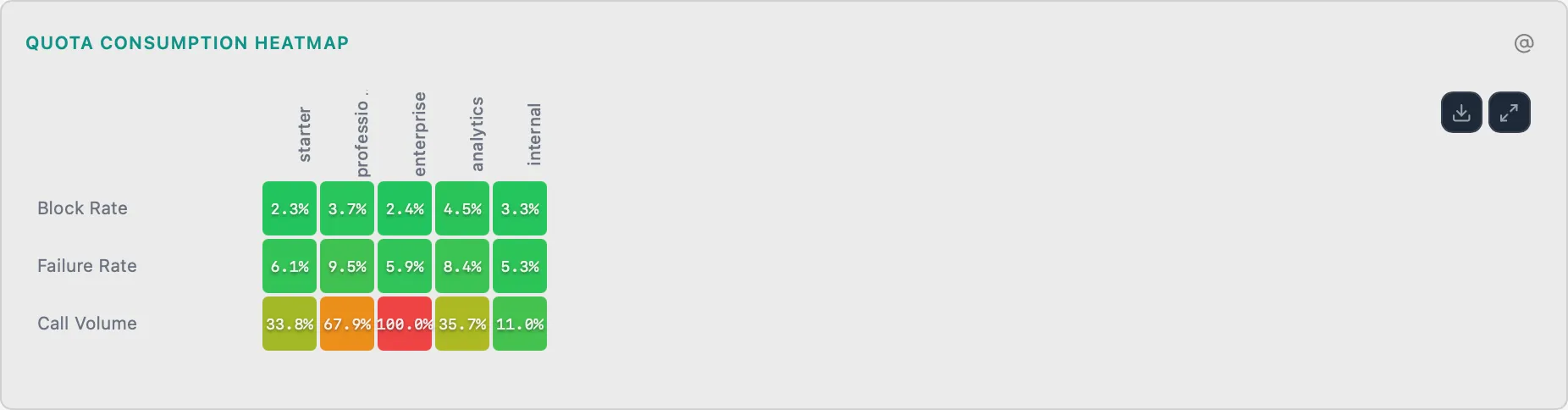
Rate Limit & Quota Heatmap
ApiPer-subscription quota consumption heatmap with throttle thresholds
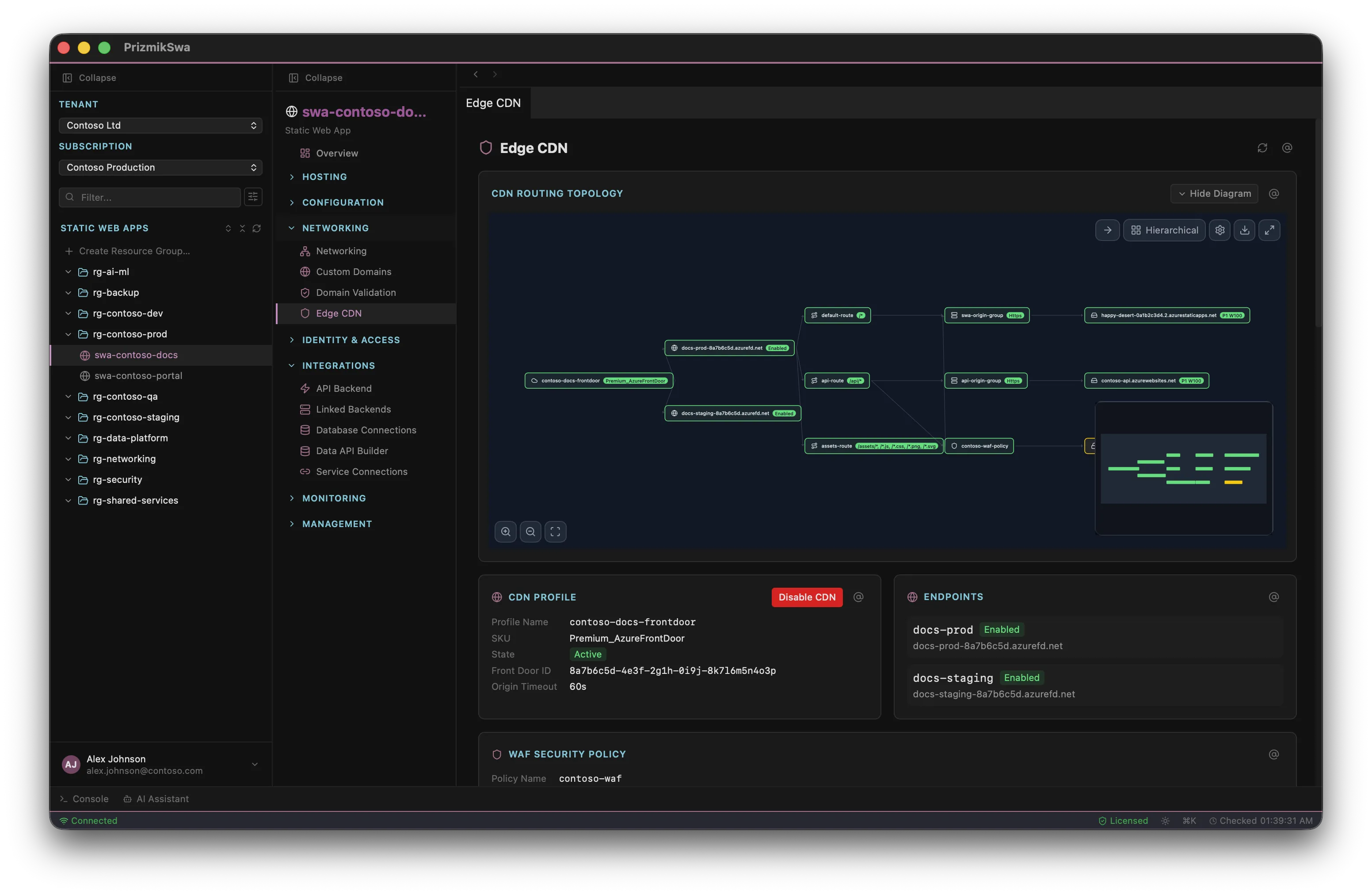
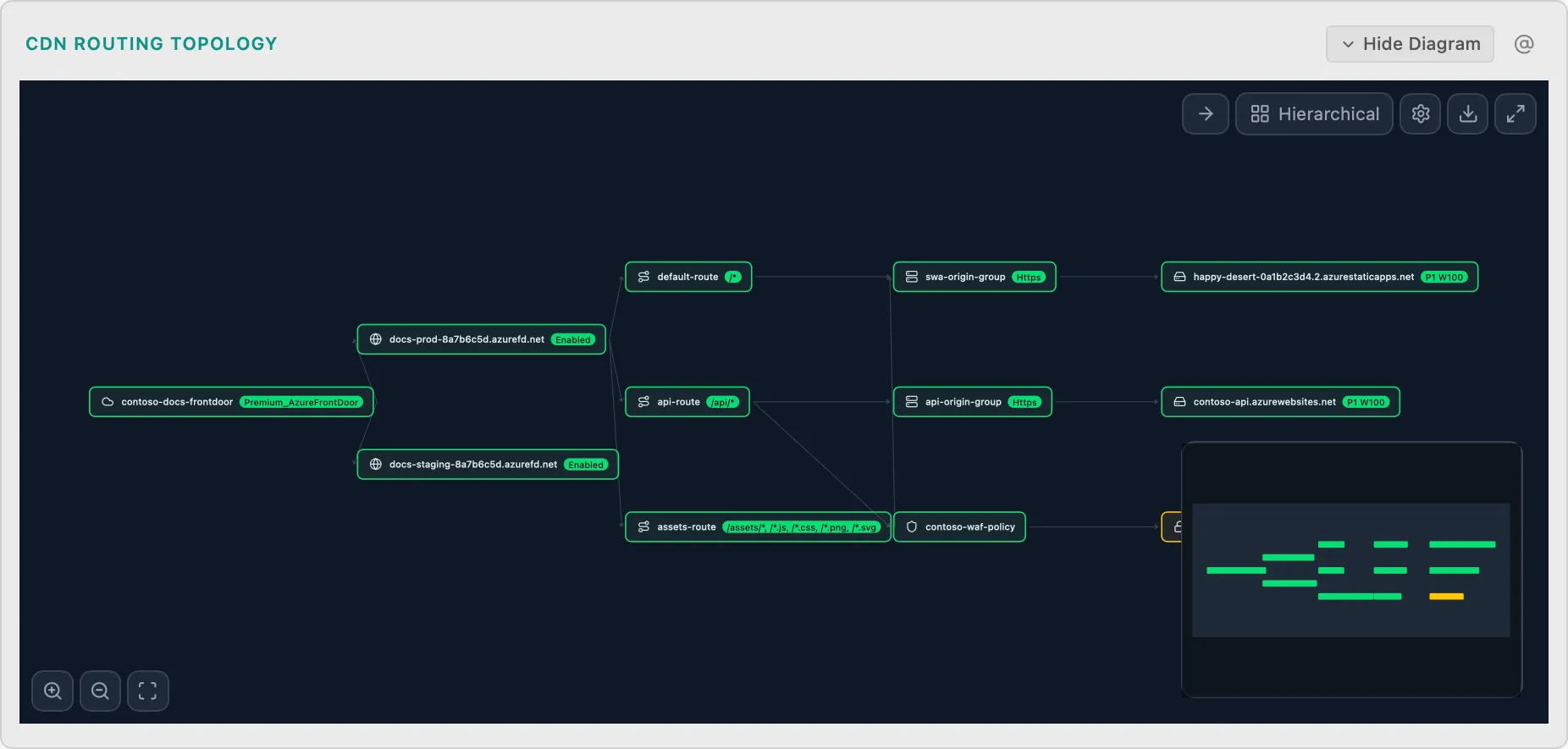
Edge CDN Routing Topology
SwaCDN routing and edge function flow
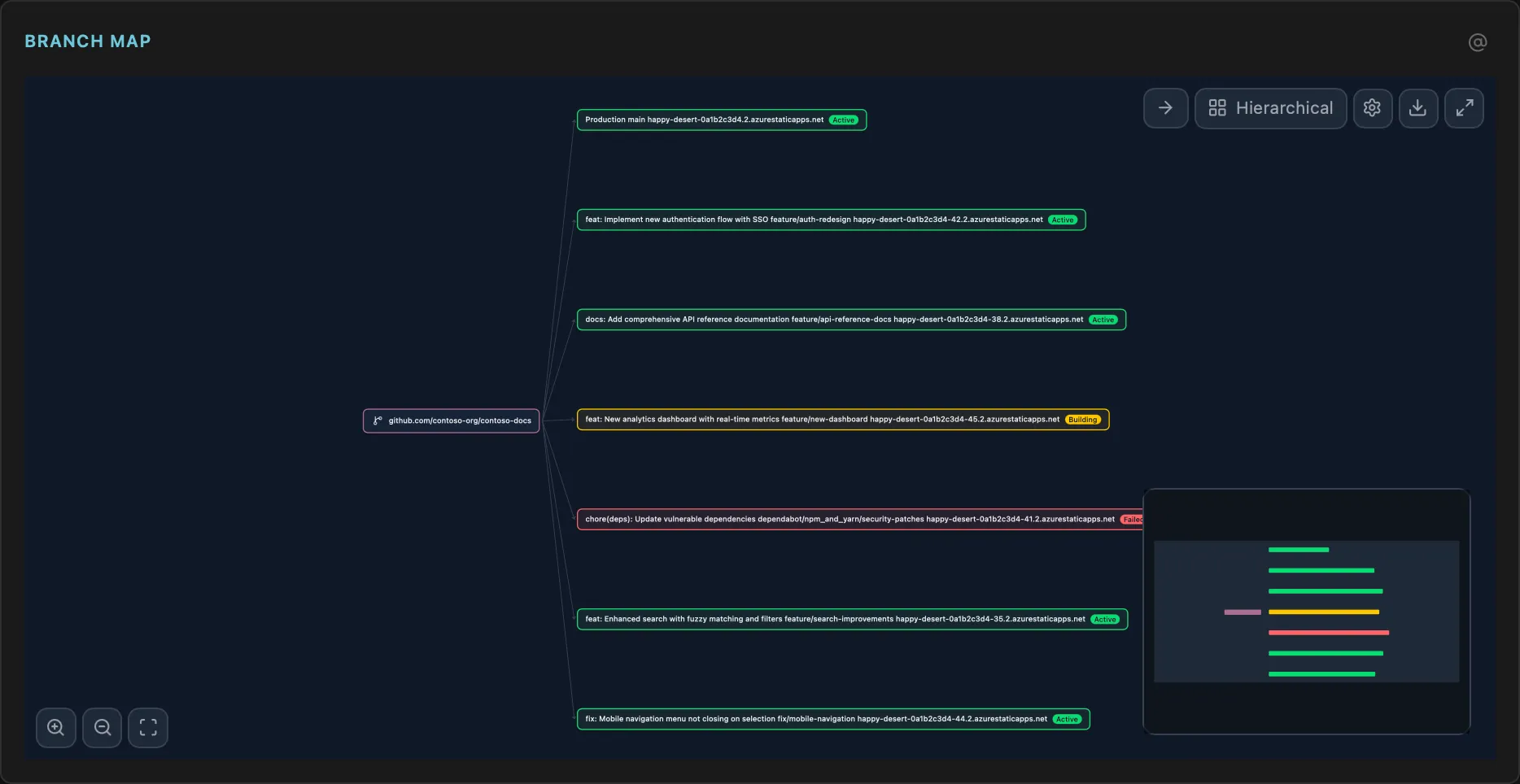
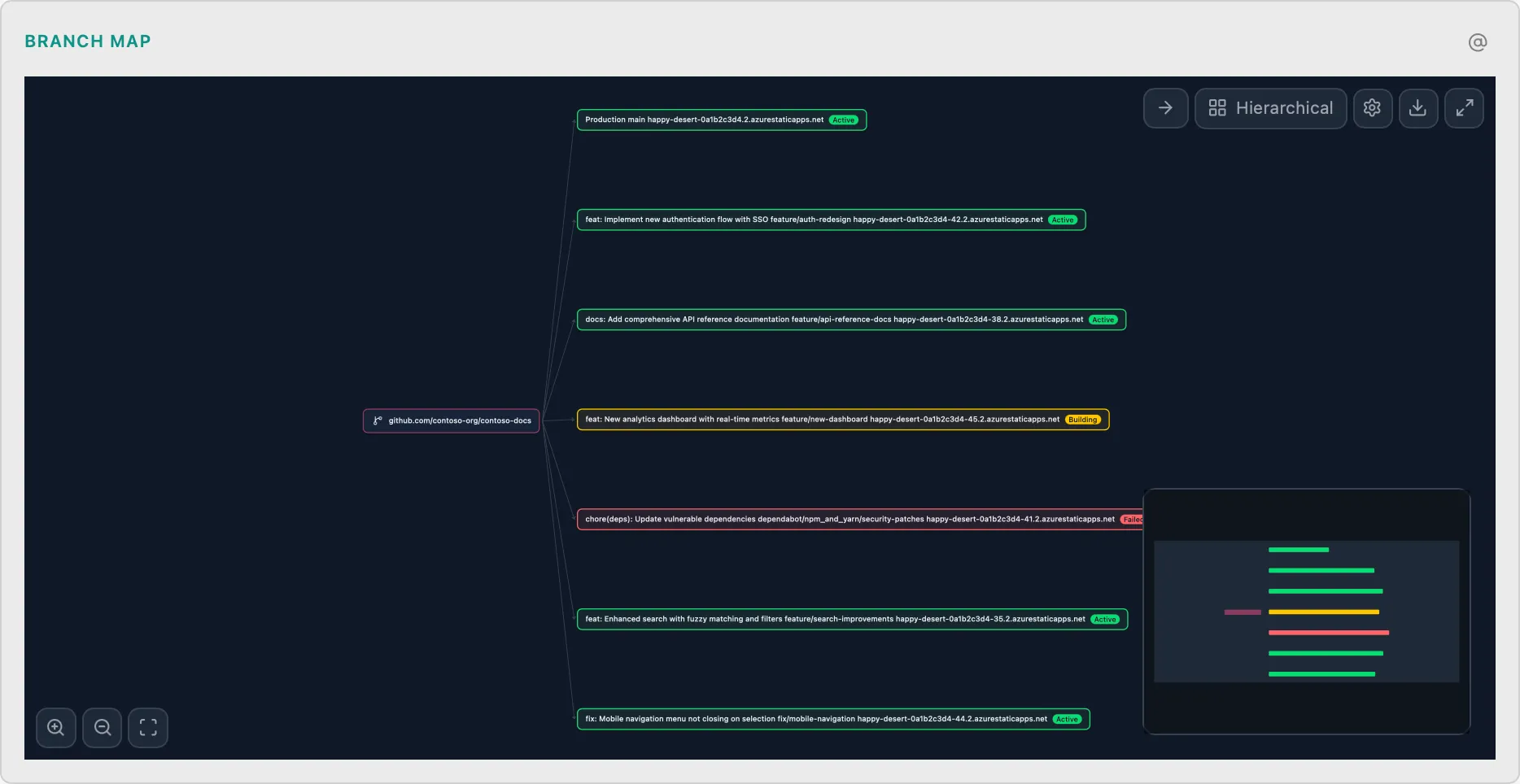
Environment Branch Map
SwaPreview environments linked to branches
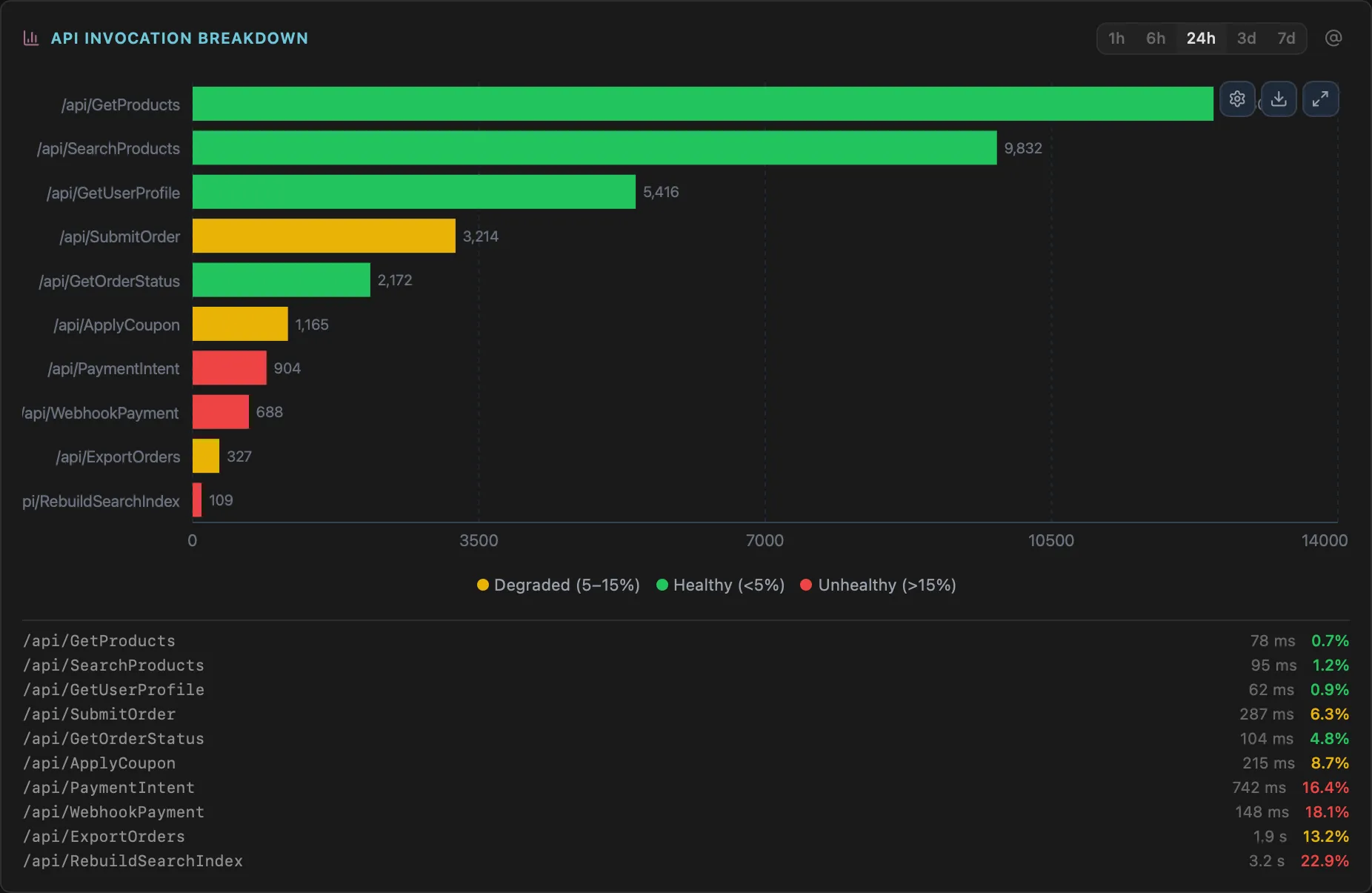
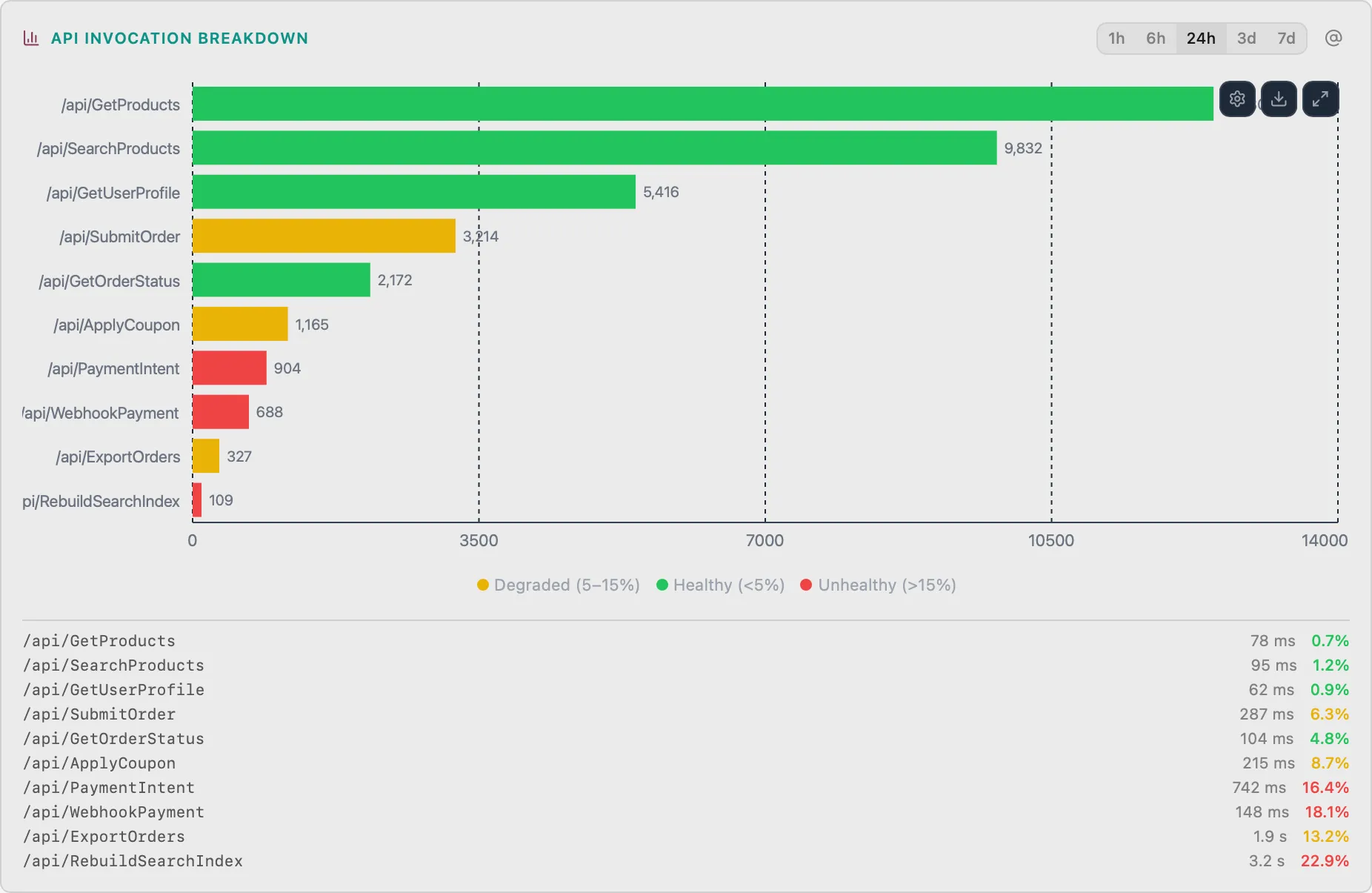
API Invocation Breakdown
SwaStacked bar chart of API function invocations by route
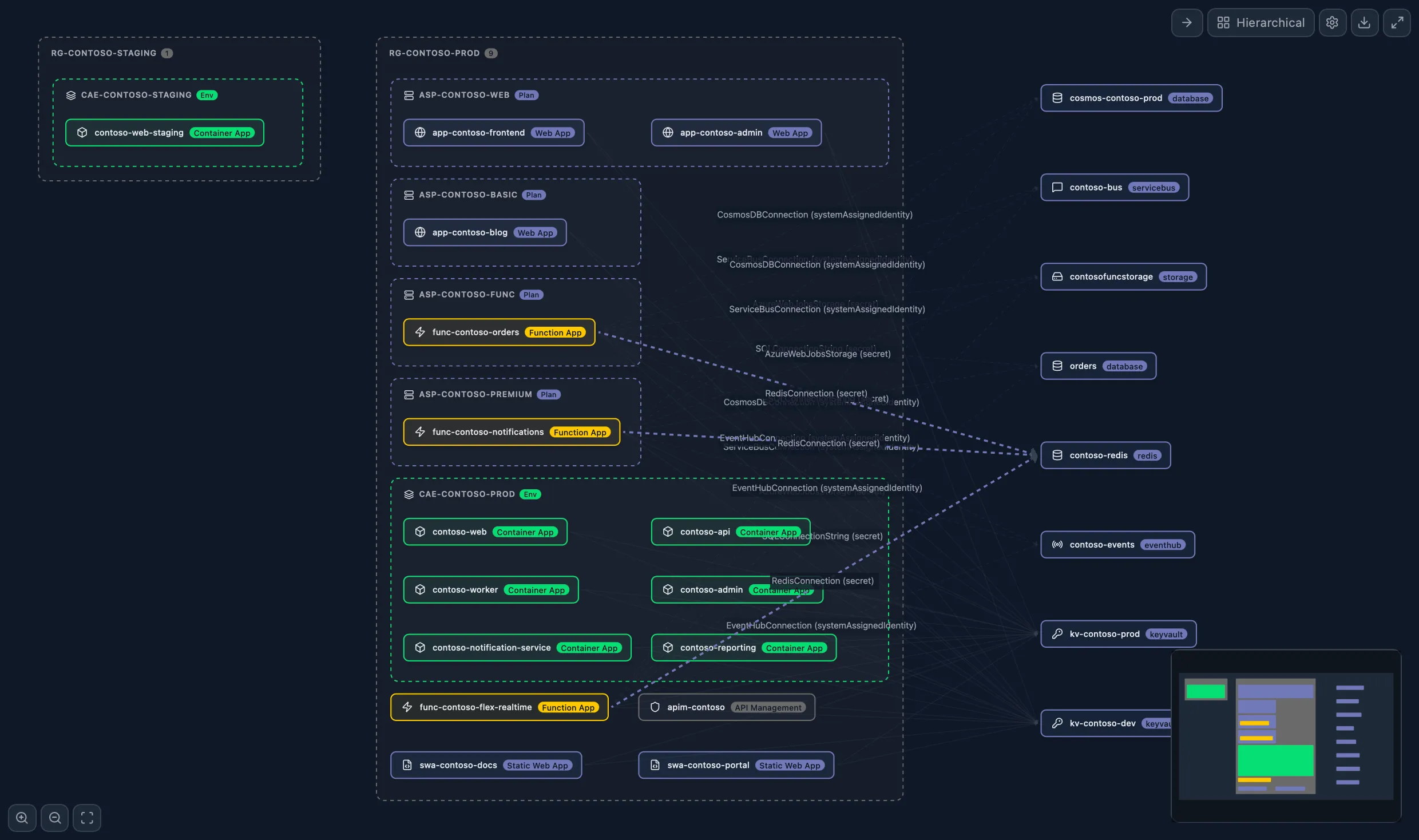
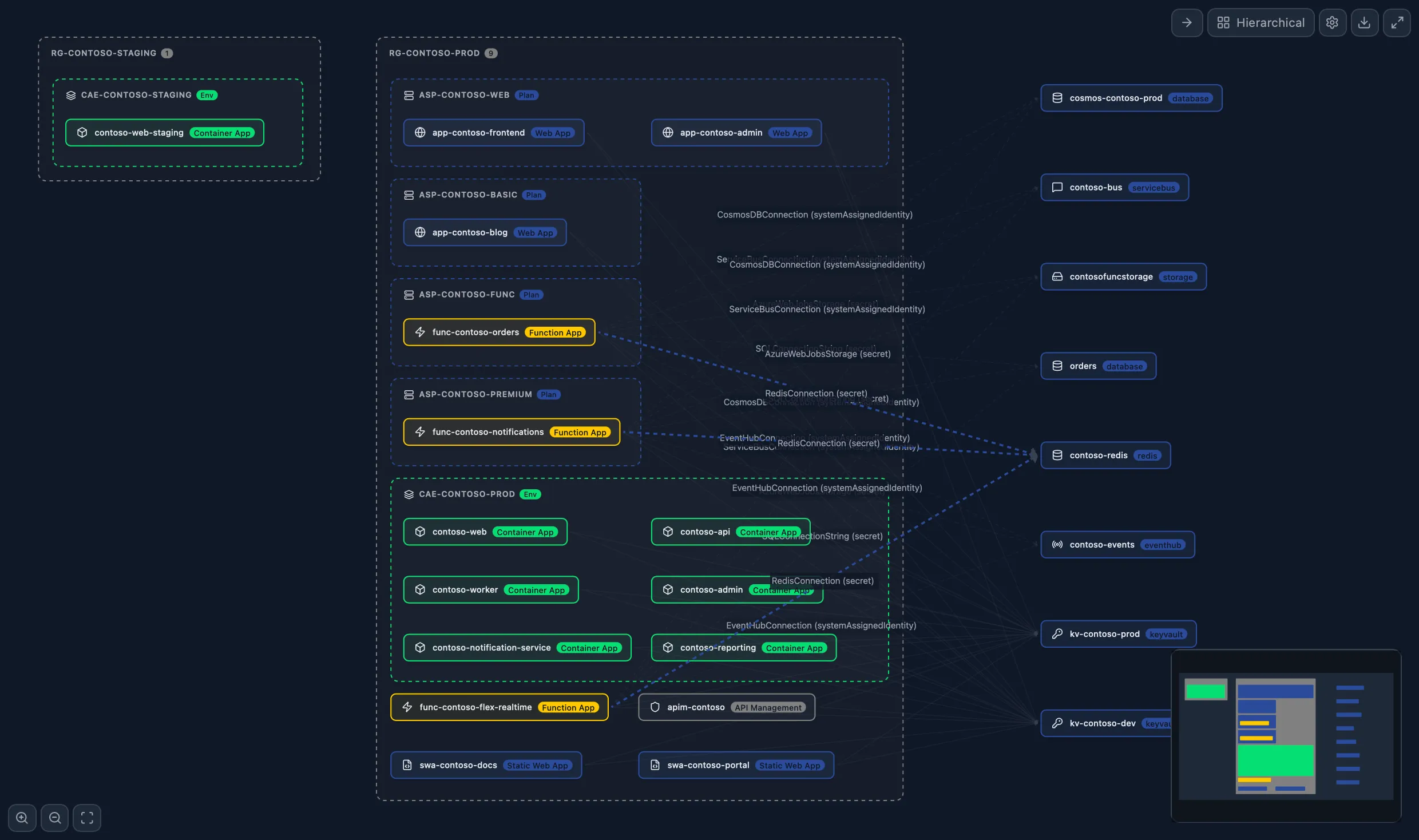
Cross-Resource Dependency Map
Suite onlySee how your Container Apps, Functions, Web Apps, Static Web Apps, and APIM services connect. VNet links, Service Connectors, APIM backends, SWA linked backends — all in one interactive graph.
One app per Azure service.
Purpose-built.
Secrets, revisions, scaling, traffic splits, logs, metrics, shell access, Dapr, jobs, and a built-in AI assistant — all without the Portal.

Deployments, slots, configuration, logs, metrics, SSH, domains, SSL, backups, WebJobs, and a built-in AI assistant — all in one window.


Functions, triggers, deployment slots, distributed tracing, dependency graphs, and a built-in AI assistant — serverless management without the Portal.

APIs, products, subscriptions, policies, named values, certificates, scaling, diagnostics, and a built-in AI assistant — full APIM management offline.
Environments, routing rules, build config, auth wizard, linked backends, database connections, and a built-in AI assistant — static site management simplified.
All 5 Prizmik products in a single native desktop app and GUI tool — plus Suite-exclusive cross-resource features like the Dependency Map, SWA + Func Integration, and a cross-resource Config Linter.
Unify. Focus. Control.
Everything, for $179*
PrizmikSuite brings all 5 products into one window — plus cross-resource exclusives like the Cross-Resource Dependency Map and SWA + Func Integration.
Simple, fair pricing
Free for personal and non-commercial use. One-time purchase per seat for commercial teams.
Individual Products
Pick the product for your Azure service.
Prizmik
All 5 products in one window.
* Net price. The final price including VAT will be calculated during checkout based on your country. Learn more about pricing and taxes.
Where teams save time every day
This is where Prizmik replaces repetitive Portal loops: triage, rollout checks, and spend analysis in one desktop workspace.
Find root cause without opening ten tabs
When a container revision starts failing, you can keep logs, revisions, scale settings, and AI diagnostics visible at once. No context reset between blades.
Jump between Metrics, Logs, Revision, and Scale blades with repeated loading and lost context.
Pin the relevant panels side by side, run one action, and verify impact immediately.
Change review before deploy
Use side-by-side diffs and contextual checks before you ship policy, config, or scaling updates.
Spend and health in one pass
Inspect cost, traffic, and diagnostics in the same view so optimization decisions happen in one session.
Free to use. No feature gating.
The Community Edition is fully functional for personal, educational, and non-commercial use — with no time limit. The only difference is the AI assistant, which requires a commercial license.
Only restriction: commercial use requires a commercial license.
Download Free